 Prompt
Text to Video
Turn scene, camera, action, and mood into cinematic video.
生成器
文字轉影片 · 圖片轉影片 · 導演級控制
將提示詞或參考圖片轉成電影感影片任務。選擇模式、模型與輸出設定,直接進入 Seedance 生成流程。
Seedance 2.5 引擎
電影感 AI 影片模型
4K + 音訊
文字與圖片工作流
免費開始
不需信用卡
3K: 3 credits / image × 1 image, rounded up for the estimate.
Ready to generate.
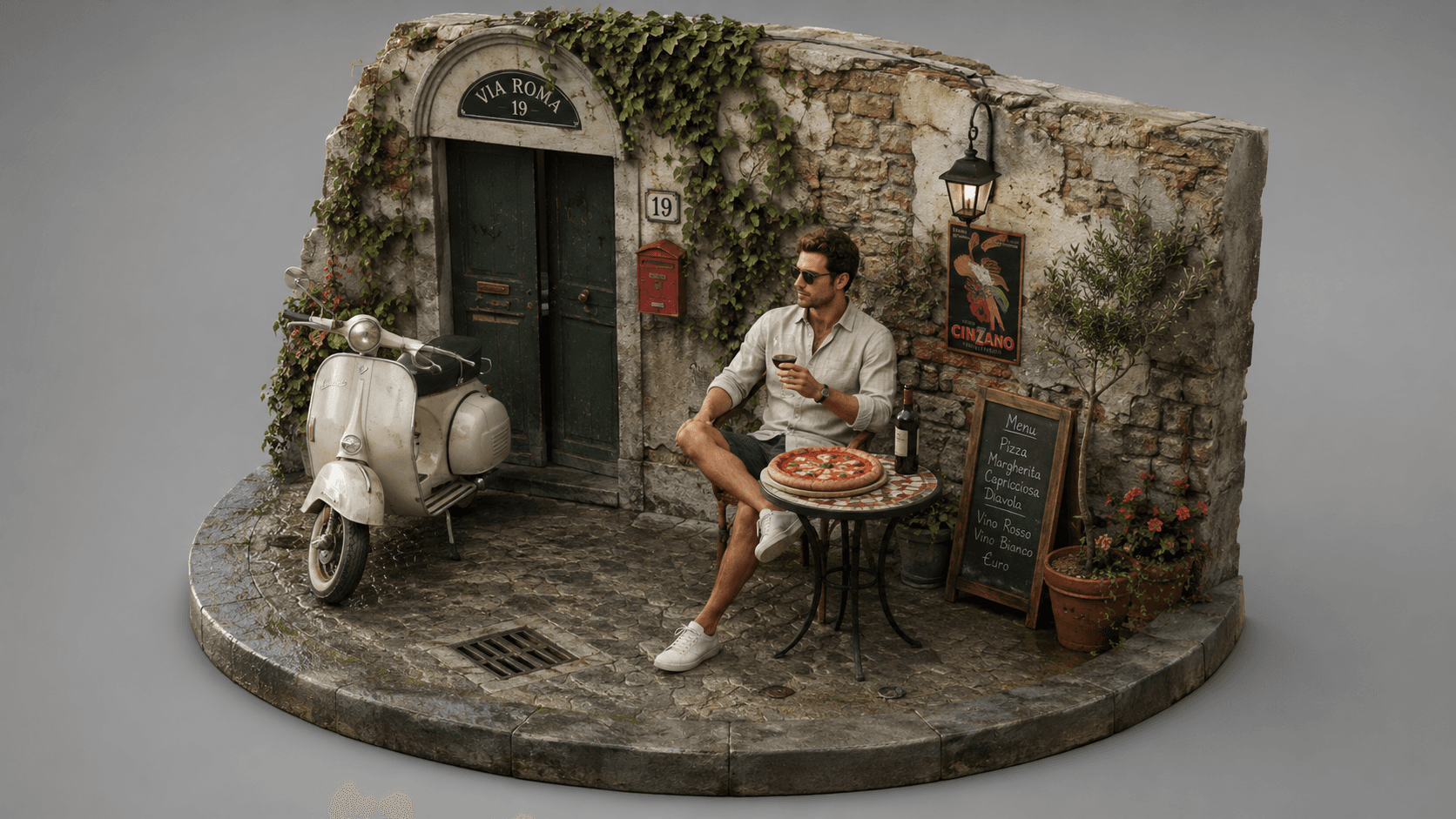
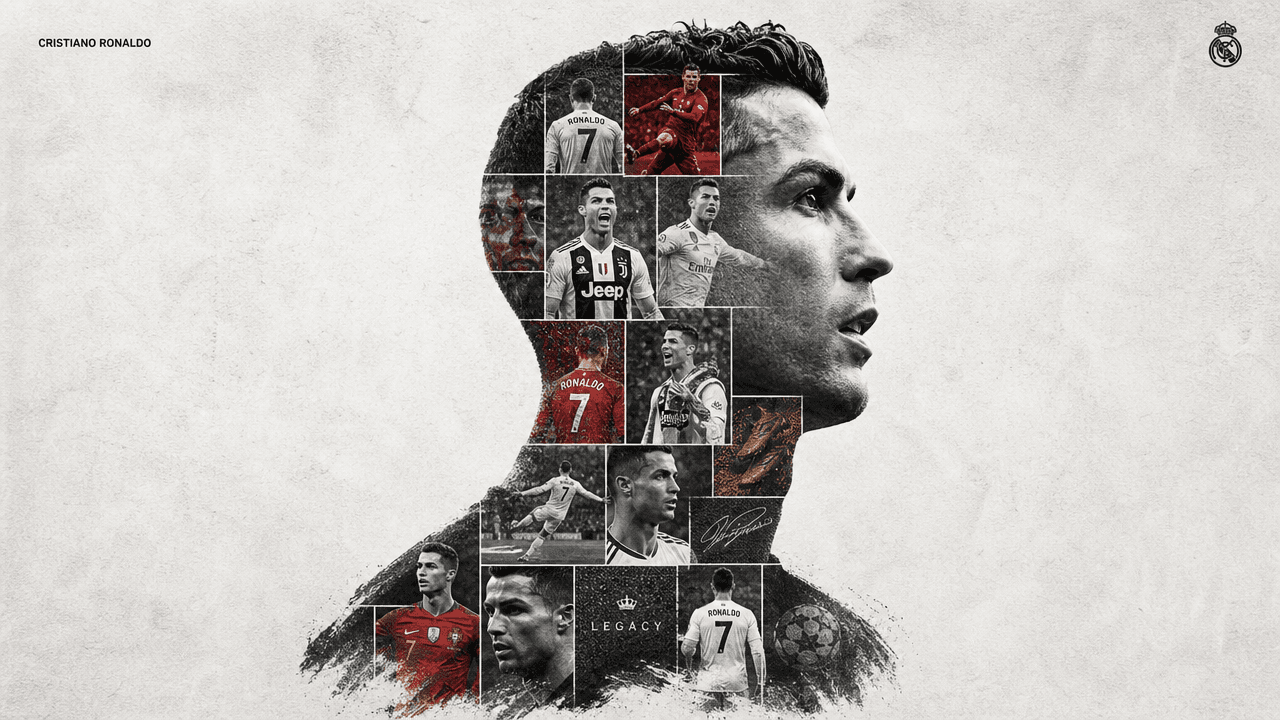
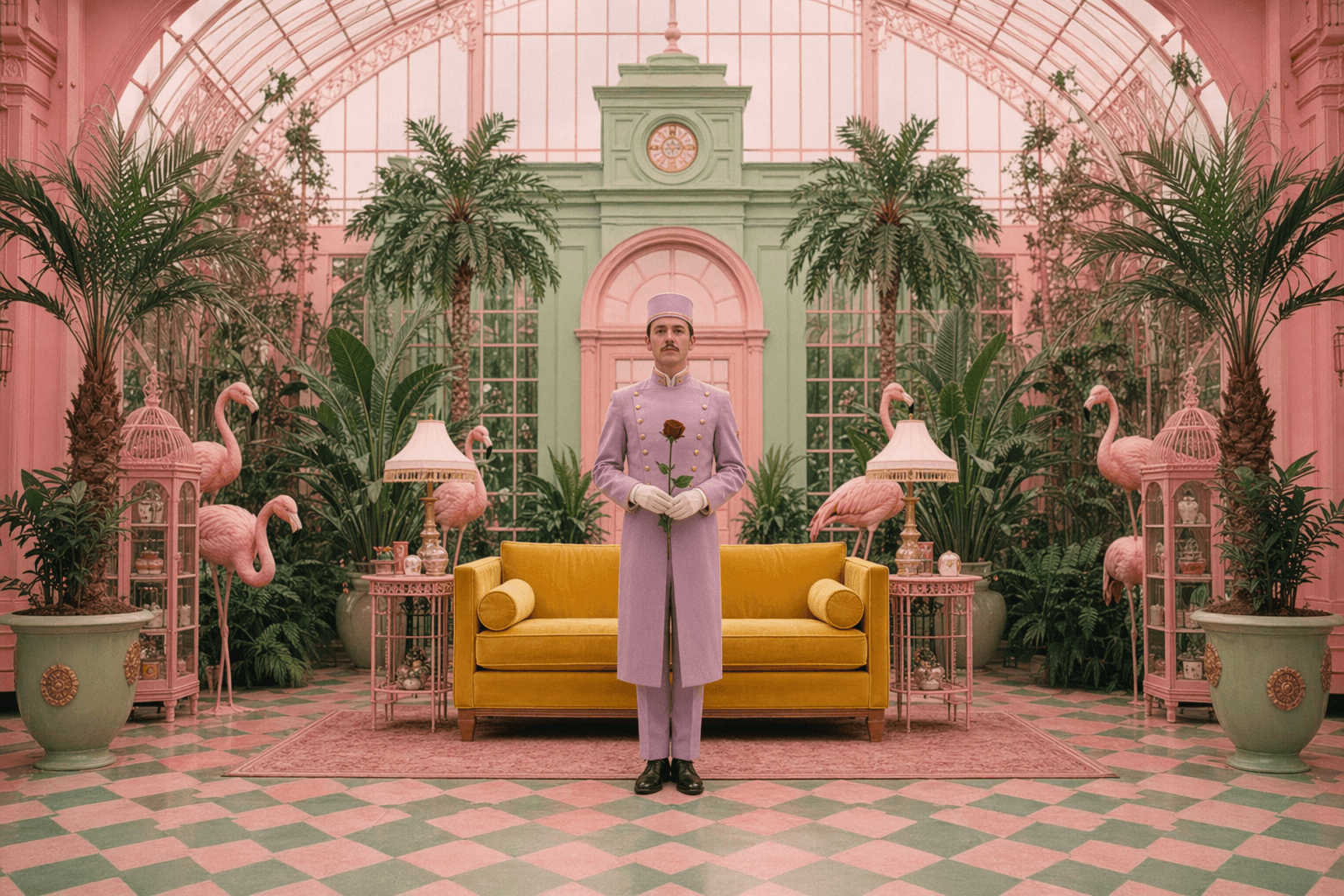
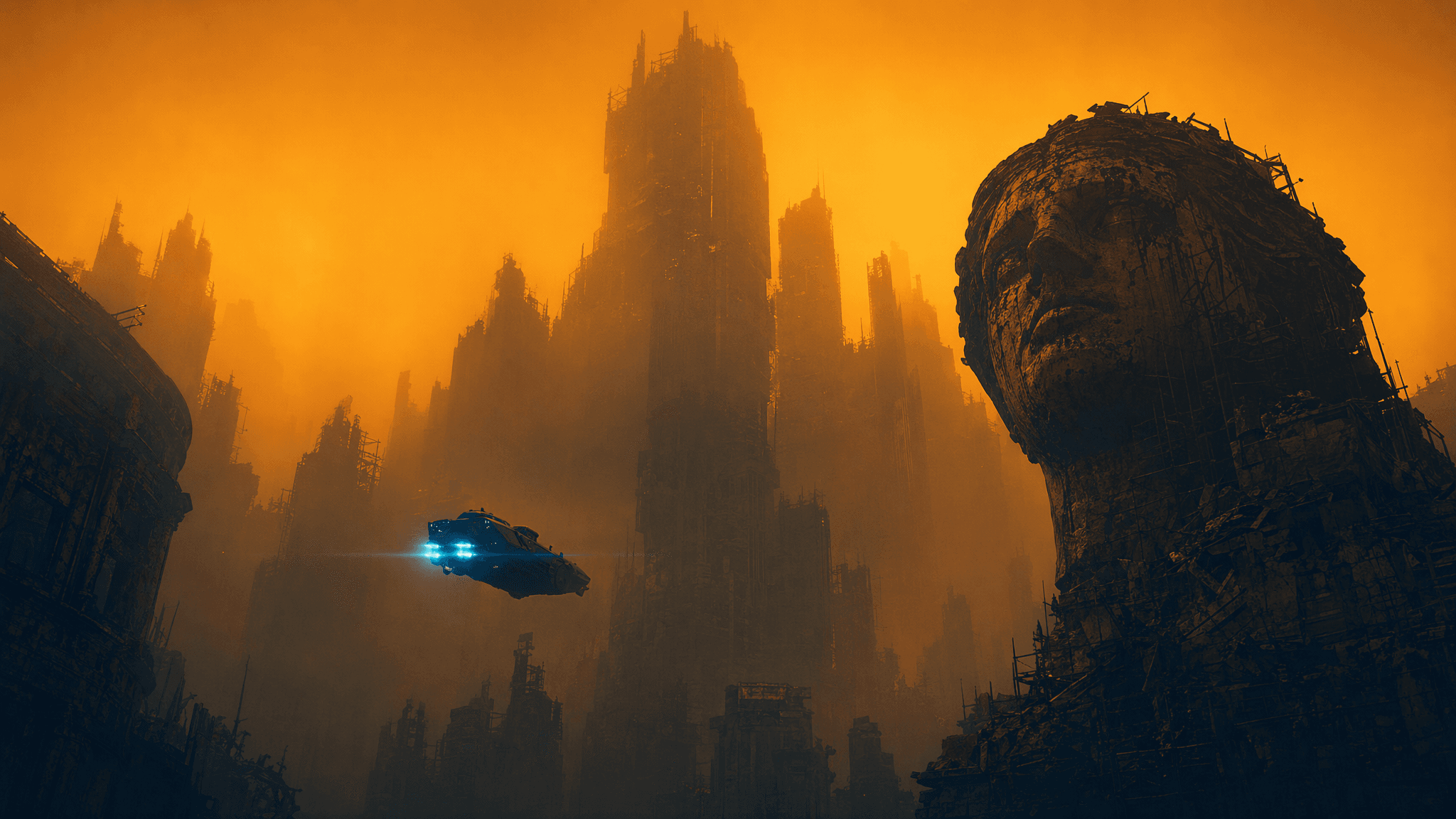
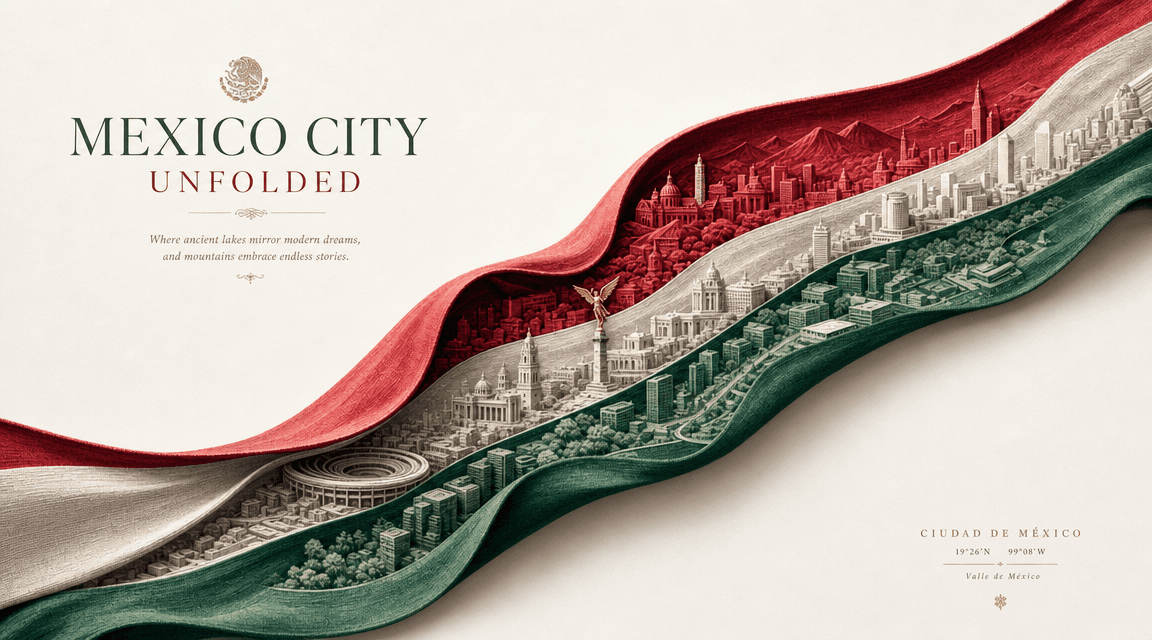
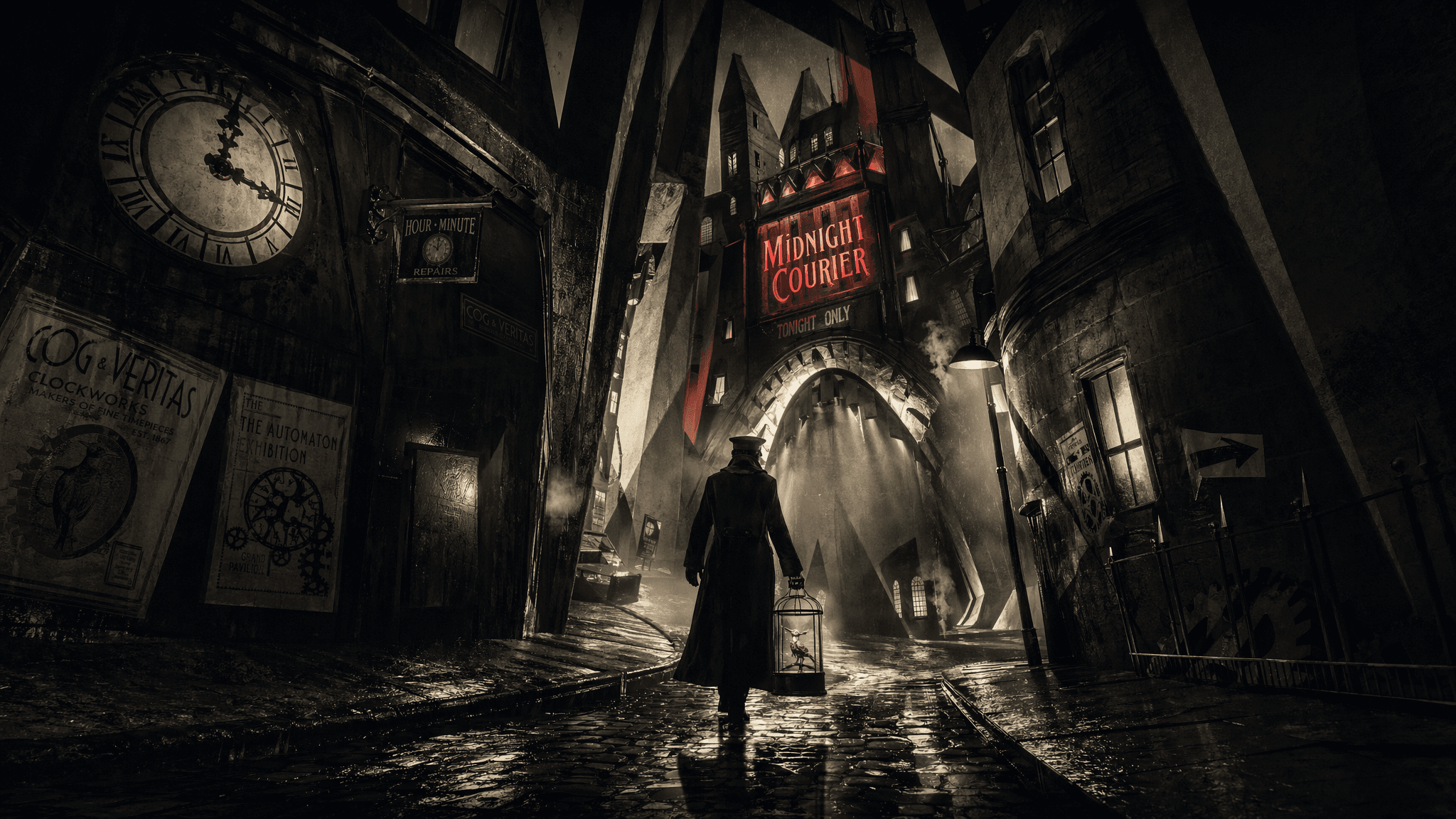

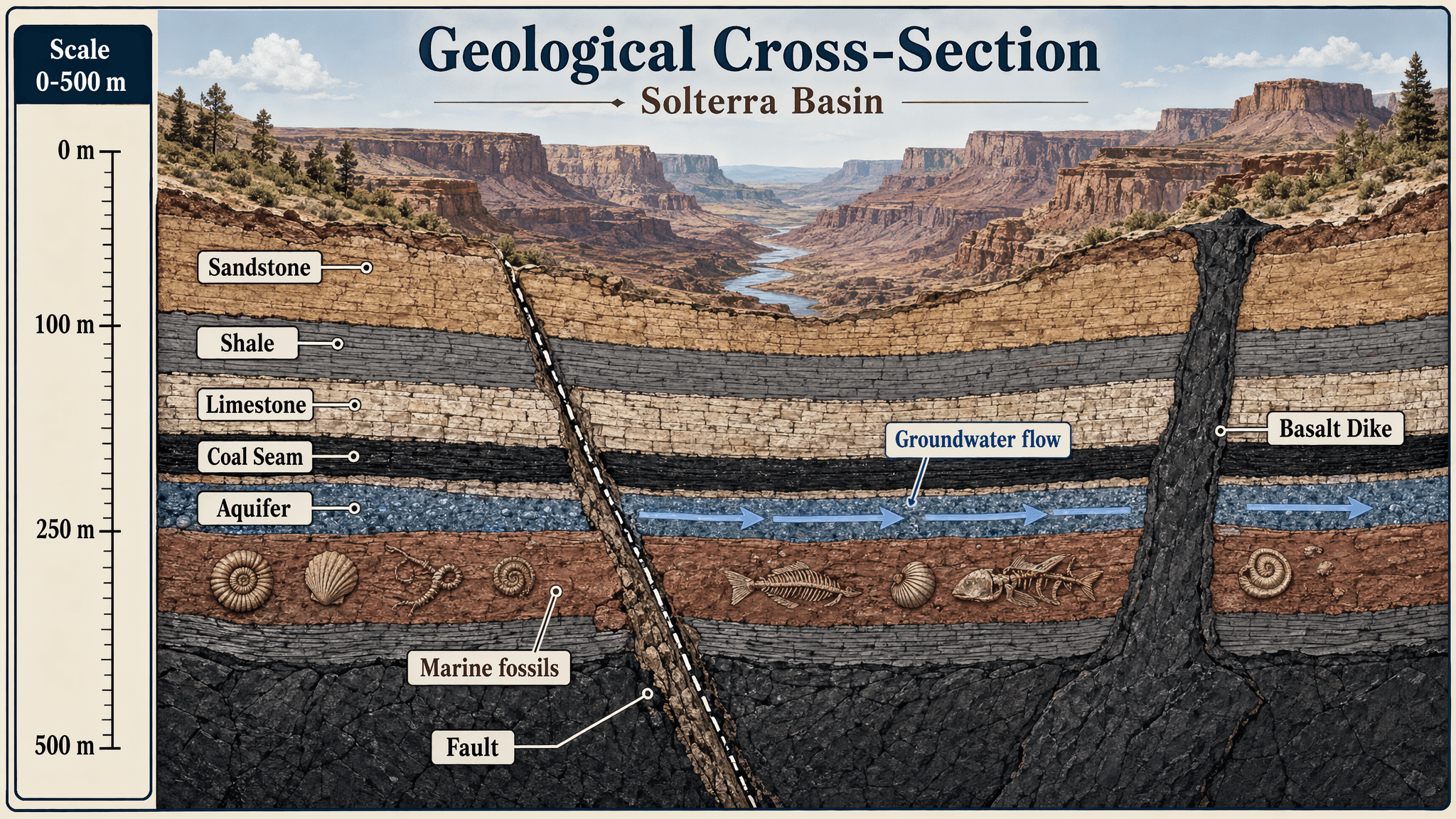
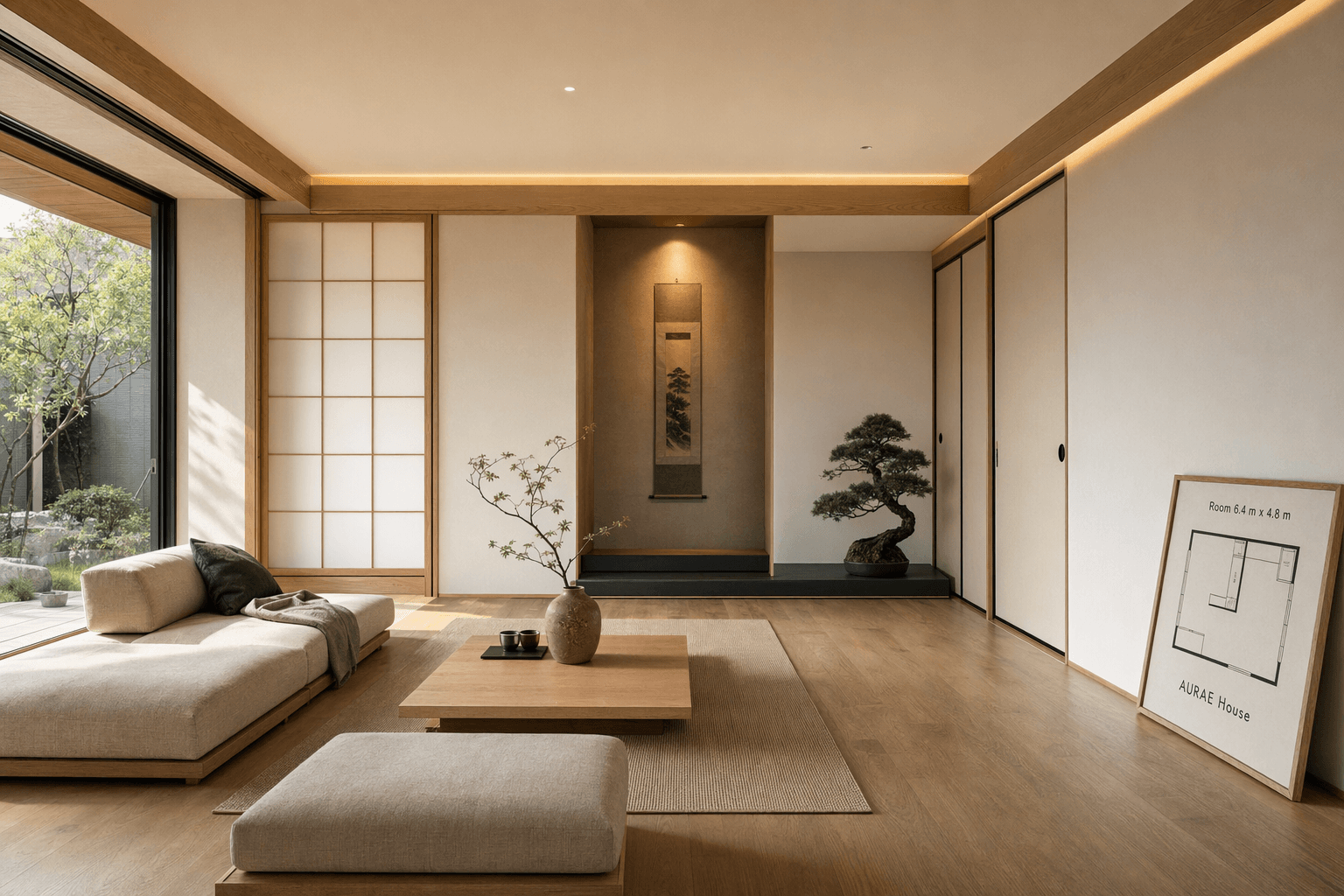
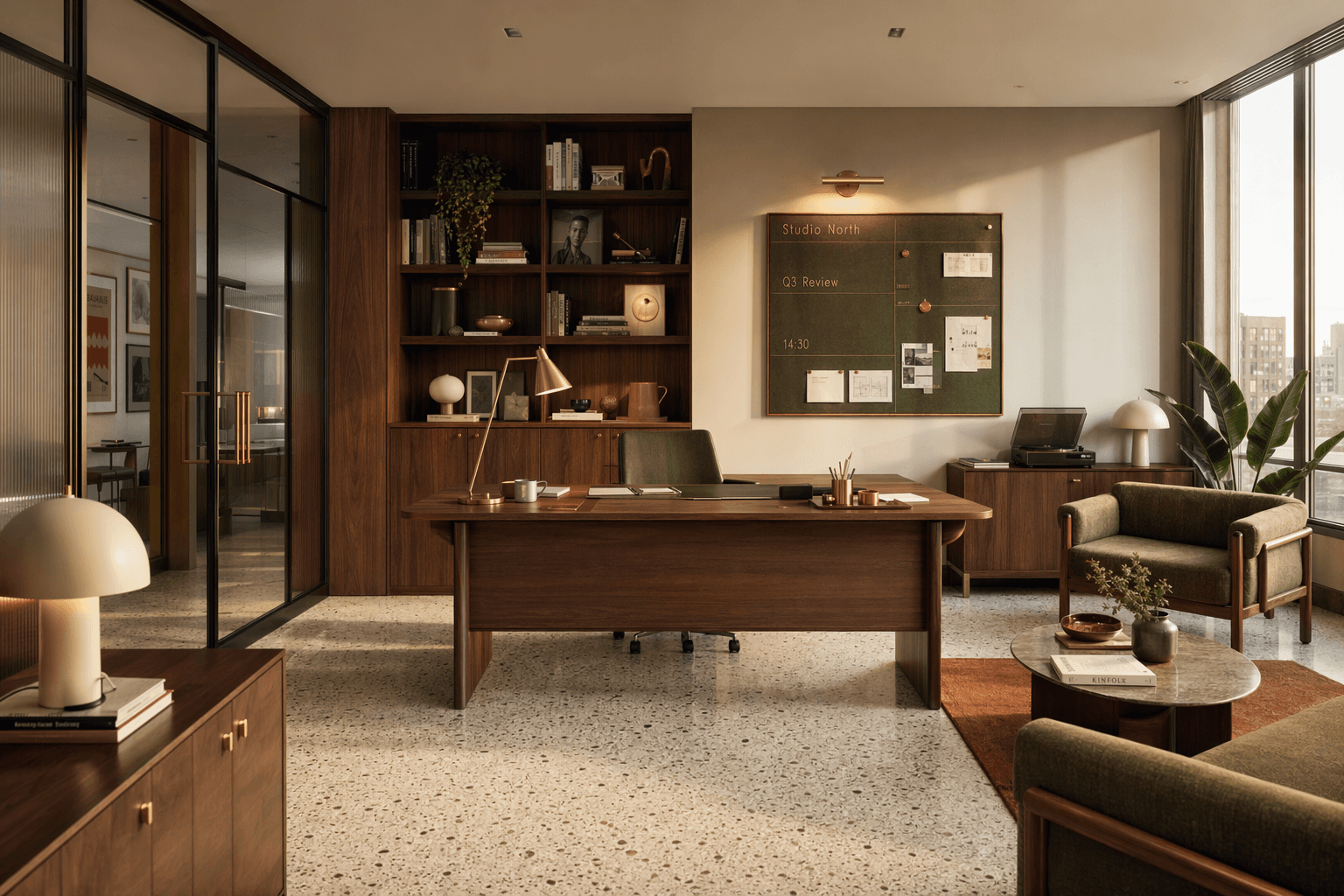
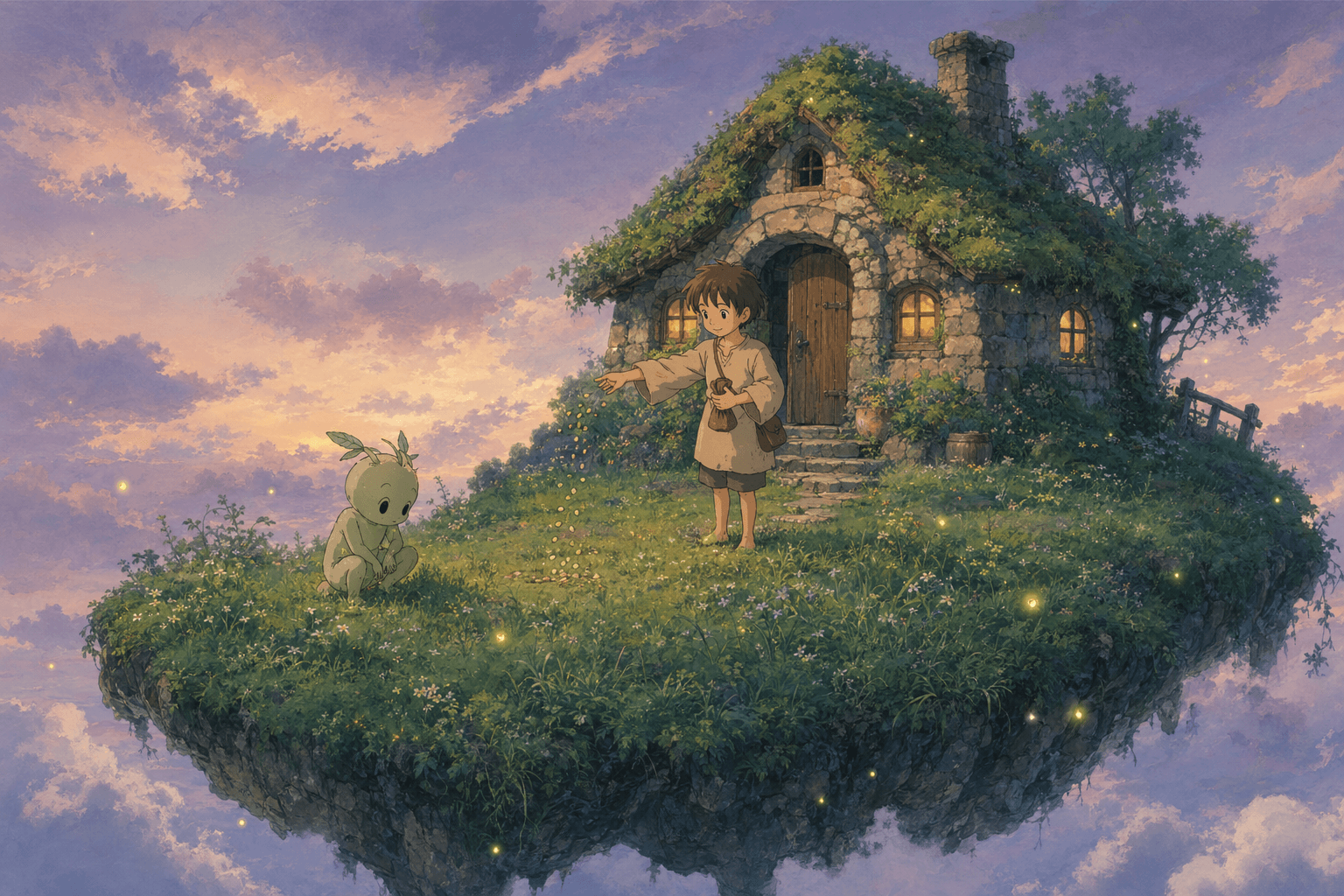
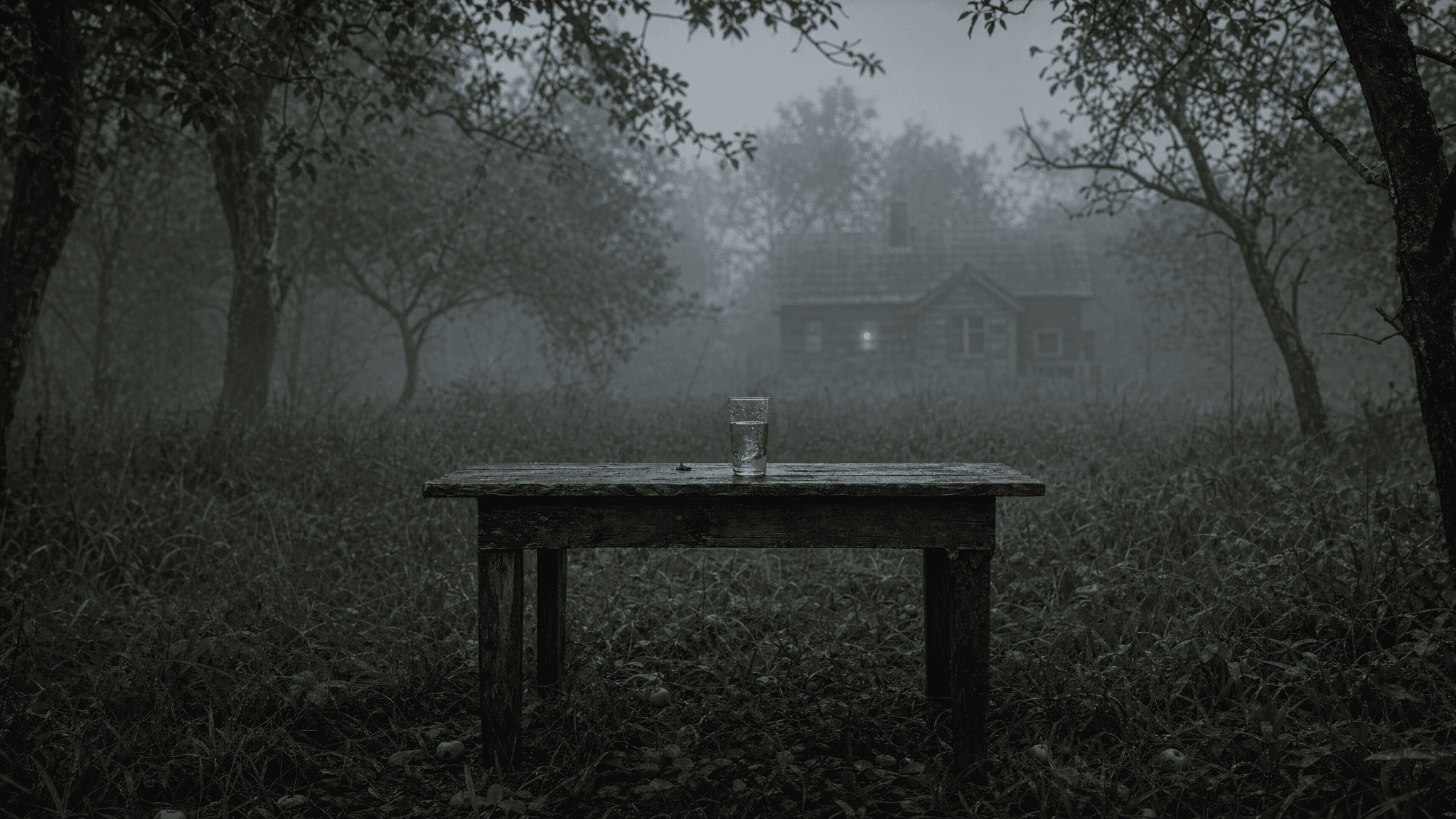
Generator Workflow
See the available creation paths first, then move into the real workspace with restrained black, white, and blue styling.
PromptTurn scene, camera, action, and mood into cinematic video.
 Reference
Use a reference image to preserve subject, framing, and style.
 Motion
Describe push-ins, tracking shots, pacing, and mood shifts.
 Models
Switch between Seedance 2.5, Seedance 2, and Fast workflows.
 Output
Keep generated videos, examples, and downloads in the same area.
Redefining Cinematic Video Generation
The page explains the workflow first, then moves creators naturally into the generator.
Describe subject, scene, camera movement, lighting, mood, and rhythm.
Switch between text-to-video, image-to-video, and director-level control.
Select Seedance 2.5, Seedance 2, or Fast, then set resolution and duration.
Use real examples to judge motion, framing, style, and expected output.
Review history in My videos for comparison, download, and iteration.
Use strong directions for ads, product shots, social clips, or character scenes.
Why Teams Choose Seedance 2.5
Text + image
Covers blank-slate ideas and reference animation
720p / 1080p
Balances testing and polished output
Examples + history
Keeps references and results in one view
Turn product images, campaign concepts, and camera notes into video drafts.
Test openings, visual hooks, and pacing before committing production time.
Animate posters, characters, storyboards, and references for visual storytelling.
Open the workspace, test a direction with a prompt or reference, then iterate from the result.
FAQ
The Seedance 2.5 AI video generator supports text-to-video and image-to-video. You can start from a prompt, or upload a reference image to preserve subject, framing, and style, then set model, audio, resolution, aspect ratio, and duration.
Yes. Generated results stay in the workspace, so you can adjust the prompt, reference image, model, aspect ratio, duration, resolution, or audio toggle and generate again. It works as an iterative AI video workspace rather than a traditional timeline editor.
The workspace is designed for short-form generation, with common landscape, vertical, and square formats such as 16:9, 9:16, and 1:1, plus 4 to 15 second duration controls. Available resolutions depend on the selected model and plan rules, making it practical to preview first and then create a sharper publishable version.
Paid plans are intended for commercial content workflows such as ads, product showcases, social content, and brand videos. You still need the proper rights for any reference images, likenesses, trademarks, music, or other uploaded materials you use.
When audio is enabled, the generation task submits the visual rhythm, scene mood, and audio intent together so the result better fits shorts, ads, and social content. You can also turn audio off and generate a visual-only video for later music or voiceover work.
The workspace estimates the required credits before submission and checks your account balance. If credits are insufficient, you can reduce duration, lower resolution, switch to Fast mode, buy a credit pack, or upgrade your subscription.
Start with a short prompt, then add reference images, model choices, and output settings.