Text to image
Create realistic scenes, illustrations, product visuals, posters, and social content from a natural language prompt.
Seedream 5.0 Flash is ByteDance’s fast and cost-efficient AI image model in the Seedream 5.0 family. It supports high-quality image generation, precise image editing, multi-reference inputs, and layer decomposition, making it ideal for fast, scalable creative workflows.
Start creating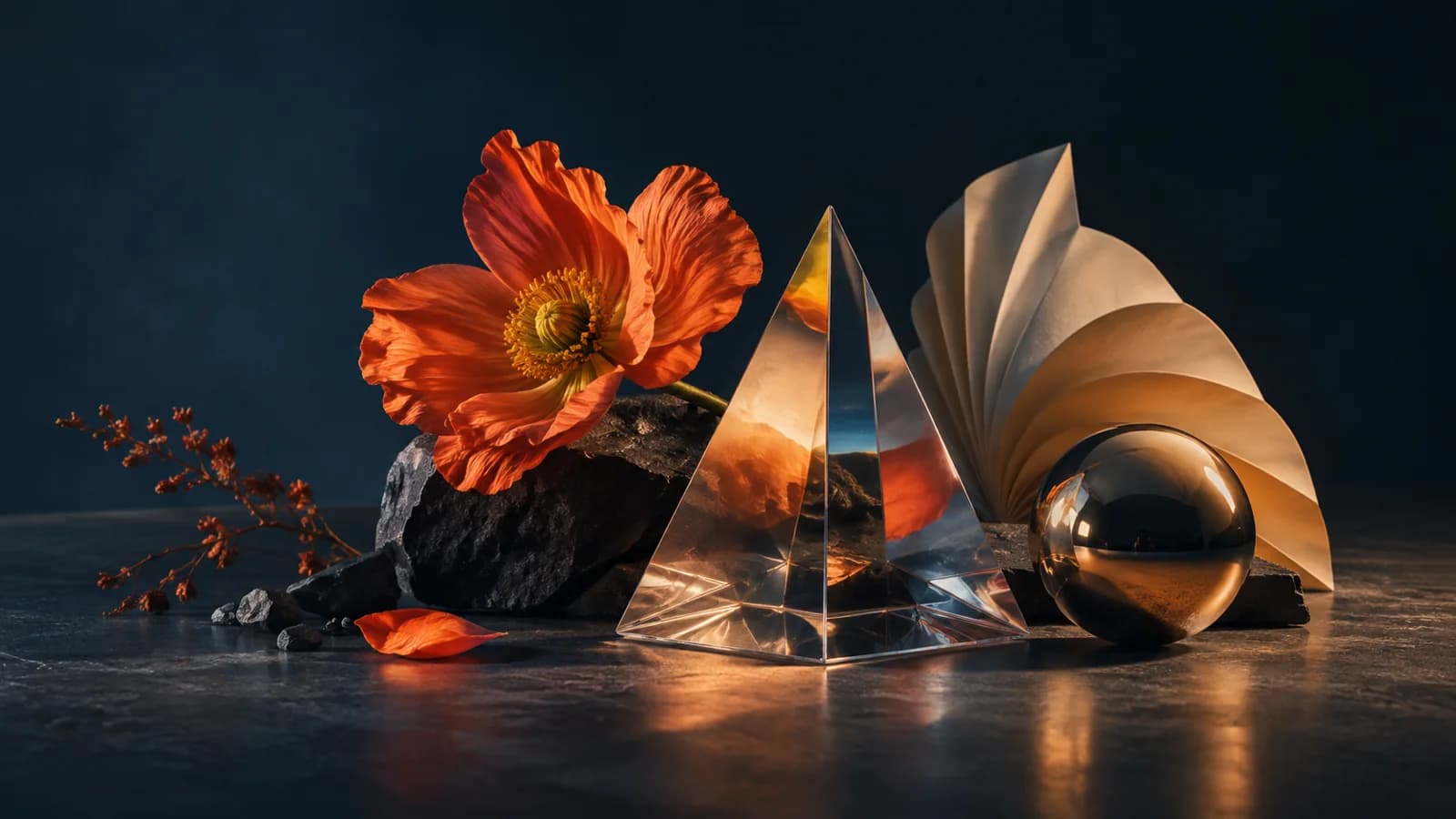
SEEDREAM 5.0 FLASH WORKSPACE
Choose a workflow, add references, review the credit quote, and create a task. Results appear below.
0/5000
Track tasks, final credit charges, and every generated image.
Loading creations…
Create realistic scenes, illustrations, product visuals, posters, and social content from a natural language prompt.
Use reference images for controlled edits, or separate a flat image into a base image and independent transparent layers.
Fast image creation, precise editing, and reusable layers
Create polished images quickly for briefs that call for frequent iterations. The lower-cost Flash workflow suits campaign concepts, social content, product explorations, and other projects where teams need to try several visual directions before choosing one.
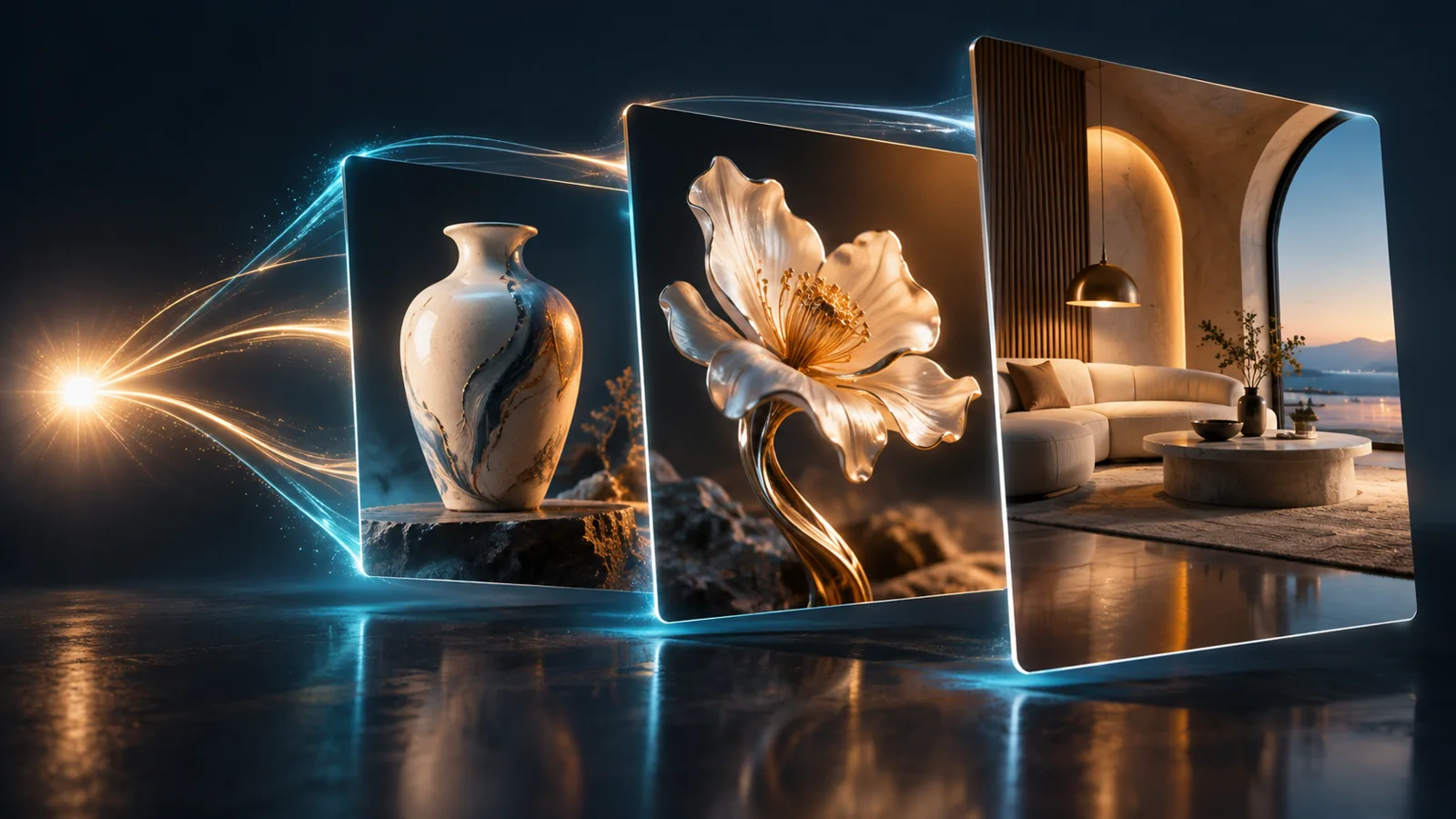
Turn a detailed natural-language prompt into realistic scenes, illustrations, product visuals, posters, and social graphics. Choose 1K for quick drafts or 2K when a finished image needs finer detail; layer projects also offer a 1.5K size.
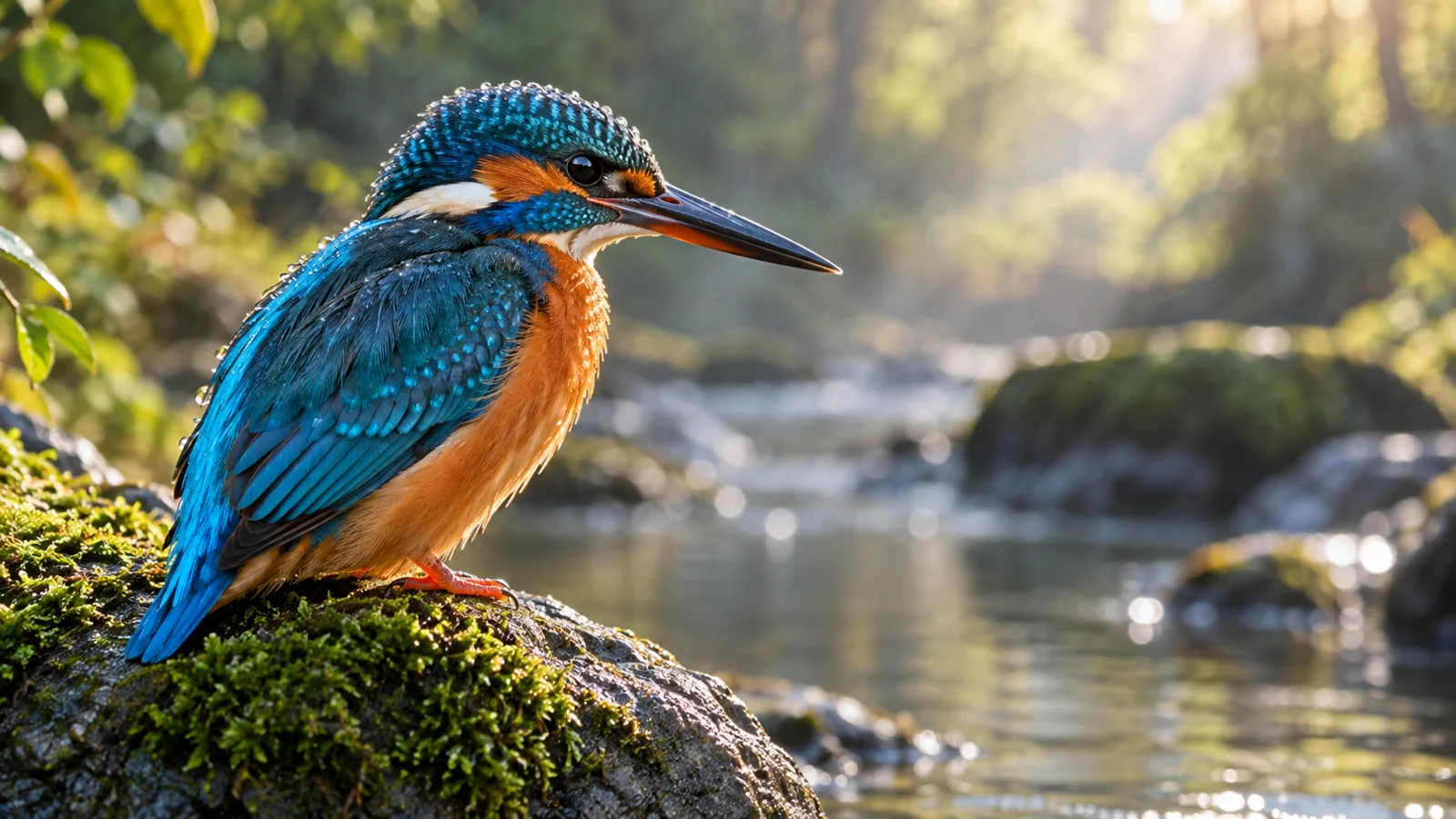
Point to the exact area you want to change with coordinates, bounding boxes, arrows, or other visual marks. Replace an object, refine a selected region, adjust small details, or add new content while keeping the rest of the image under control.

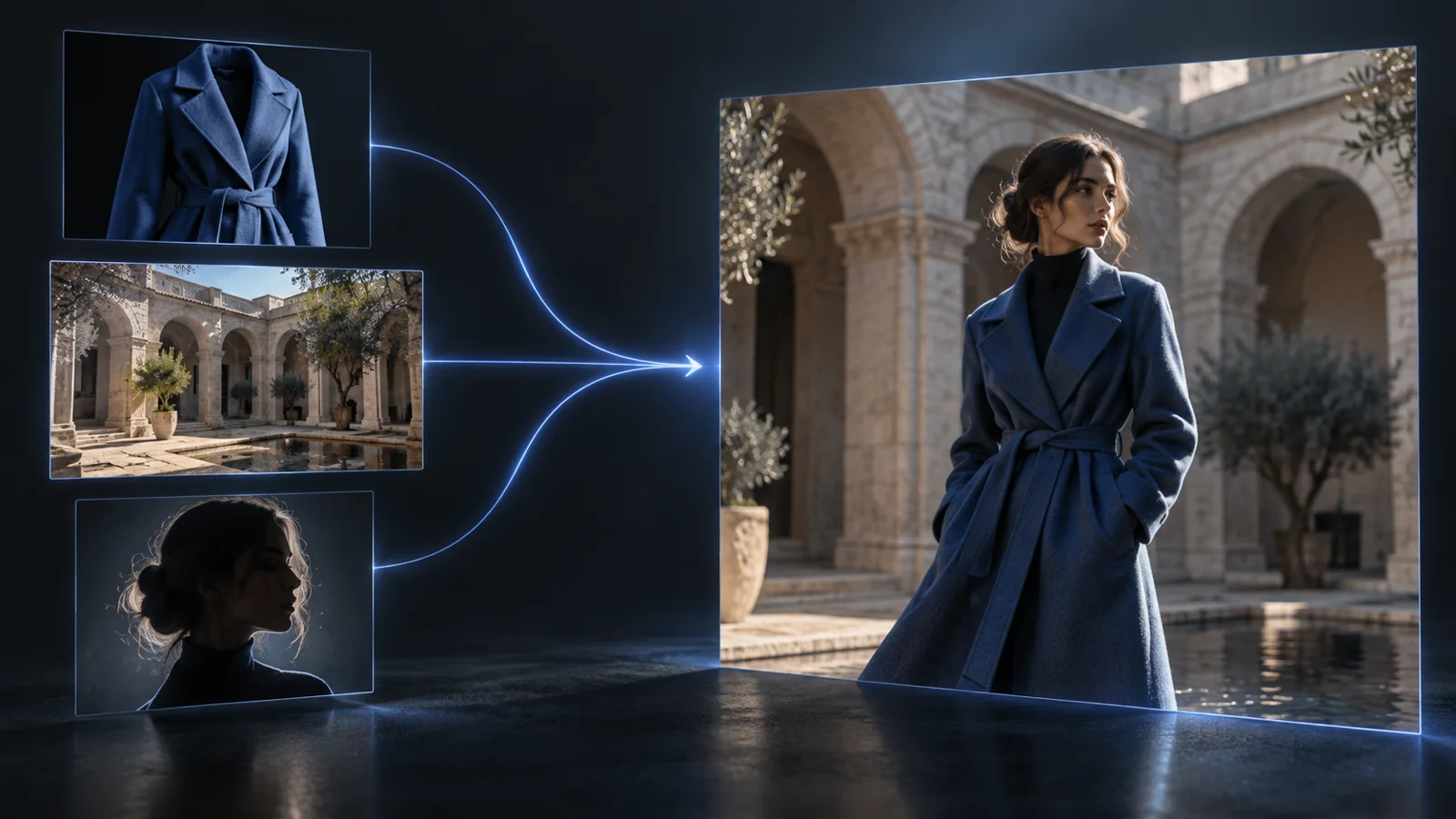
Bring together up to 10 reference images in one editing task. Combine a subject, a product, a visual style, and a composition to guide a result that stays closer to the creative brief across repeated variations.
Turn a flat finished image into a base image and as many as 16 separate transparent layers. Open each returned image from My creations, then move, resize, replace, or refine individual visual elements in your design workflow.
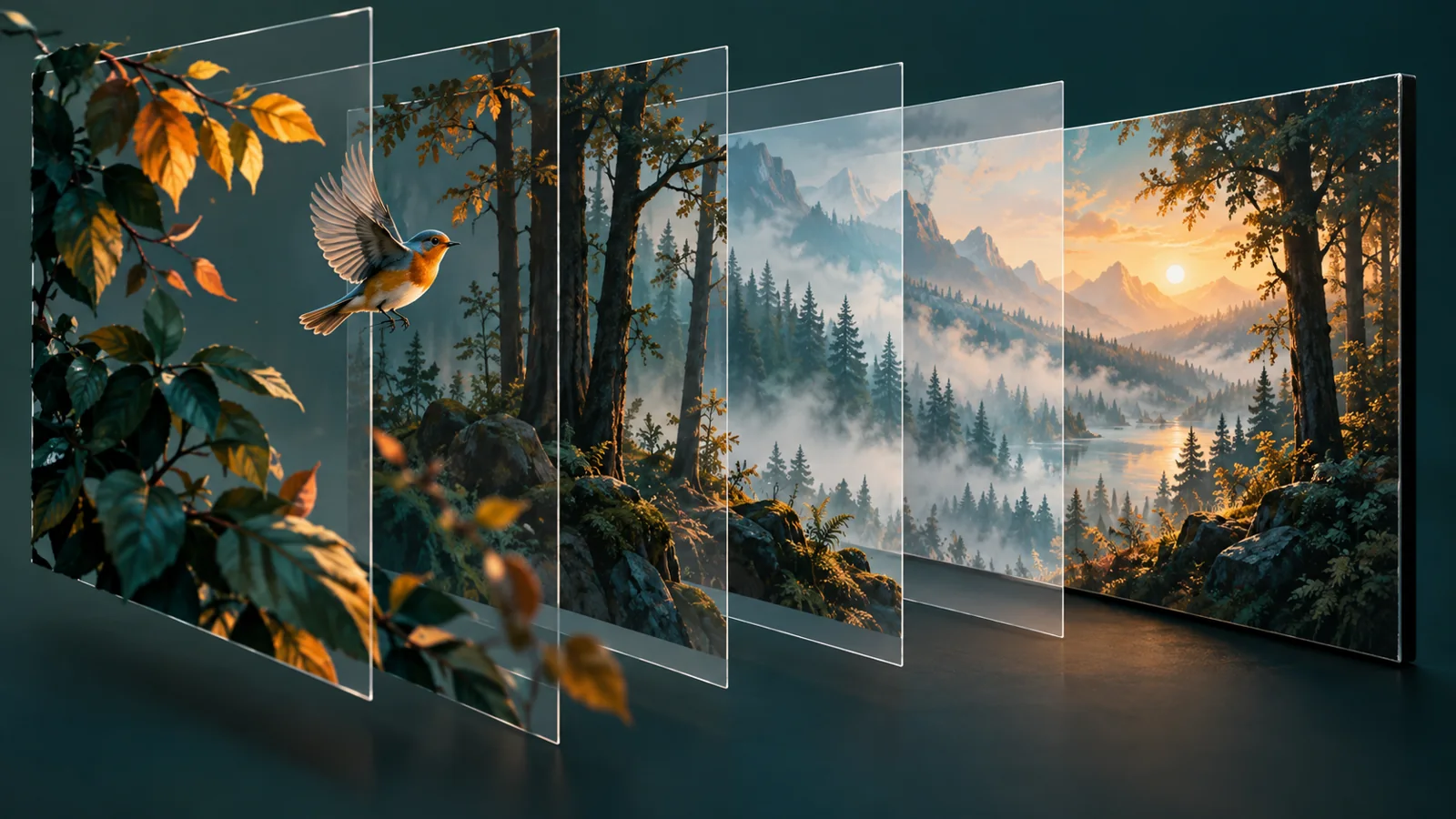
Create localized posters, ads, and social graphics for different markets. Seedream 5.0 Flash can work with visual content across languages including Japanese, Korean, French, German, Spanish, Portuguese, and Arabic.
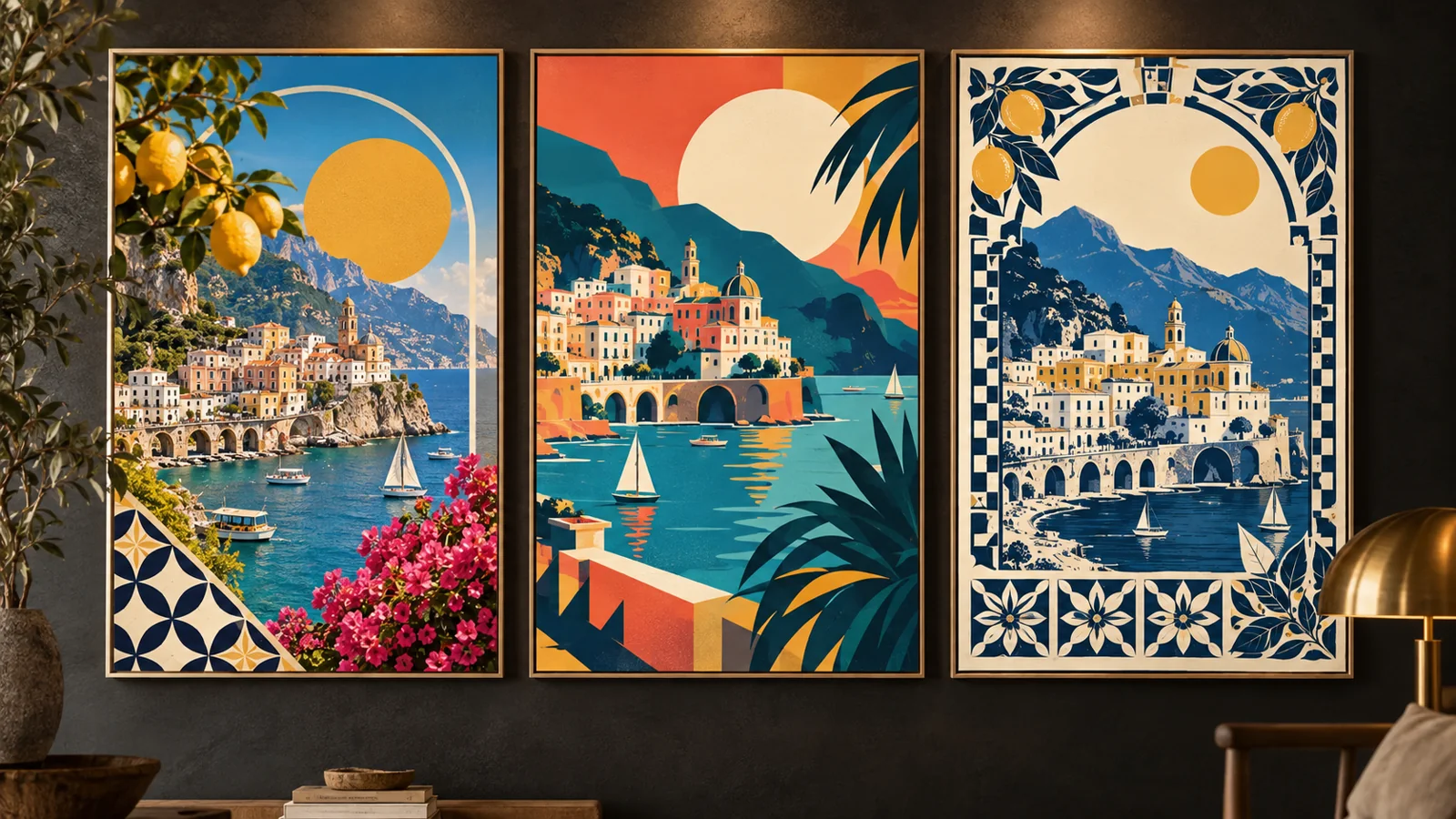
Both support creation, editing, multiple references, and layer decomposition. Flash focuses on speed and lower cost; Pro focuses on visual detail.
| Feature | Seedream 5.0 Flash | Seedream 5.0 Pro |
|---|---|---|
| Best for | Fast, cost-efficient generation | Quality-first generation |
| Text to image | Supported | Supported |
| Image editing | Supported | Supported |
| Reference images | Up to 10 | Up to 10 |
| Layer decomposition | Supported | Supported |
Choose text generation, image editing, or layer decomposition.
Write a prompt and add reference images when needed.
Choose image size, aspect ratio, and output format.
Review the credit cost and follow the result in My creations.
Create visuals for design, marketing, product, and content workflows.
Test several visual directions before choosing an image for a campaign.
Replace objects and refine selected regions in an existing image.
Create ads, banners, social posts, and thumbnails.
Generate variants while using reference images to guide the product look.
Separate flattened artwork into layers for further editing.
Explore poster and social designs for audiences in different languages.
It is ByteDance’s fast, cost-efficient image model for prompt-based generation, image editing, multiple references, precise edits, and layer decomposition.
Open the image generator, select Seedream 5.0 Flash, enter a prompt, and review the credit cost before creating.
Both support generation, editing, references, and layers. Flash emphasizes speed and lower cost; Pro emphasizes visual quality.
Yes. Prompts, coordinates, bounding boxes, arrows, and other visual markers can guide precise edits.
Image editing supports up to 10 reference images for subjects, products, styles, and compositions.
Image creation and editing offer 1K and 2K. Layer decomposition also offers 1.5K; choose an exact size to see the maximum credit reservation.
Your tasks and finished results appear in My creations below the workspace. Layer results include the base image and each returned layer.
Describe the subject, composition, and edit region clearly. Add reference images when you need to preserve an existing subject or style.