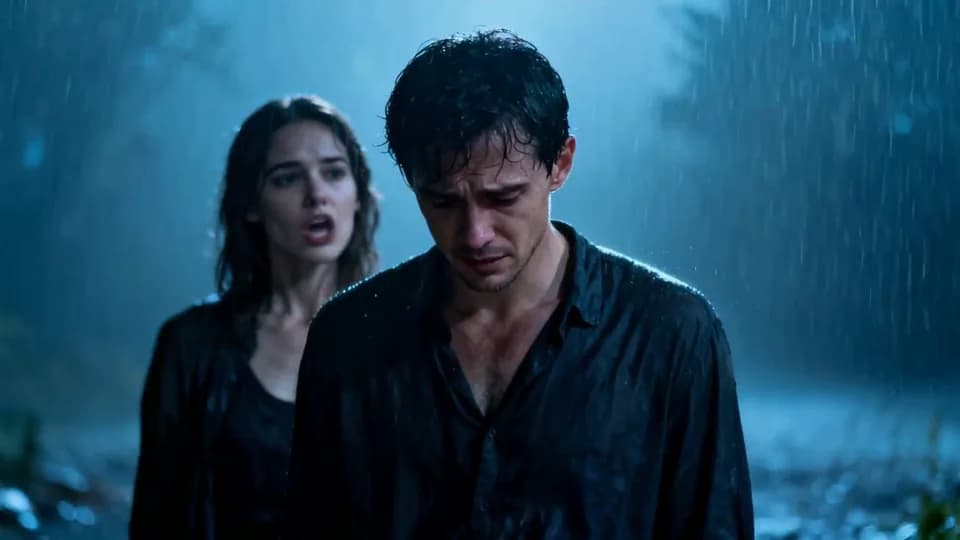
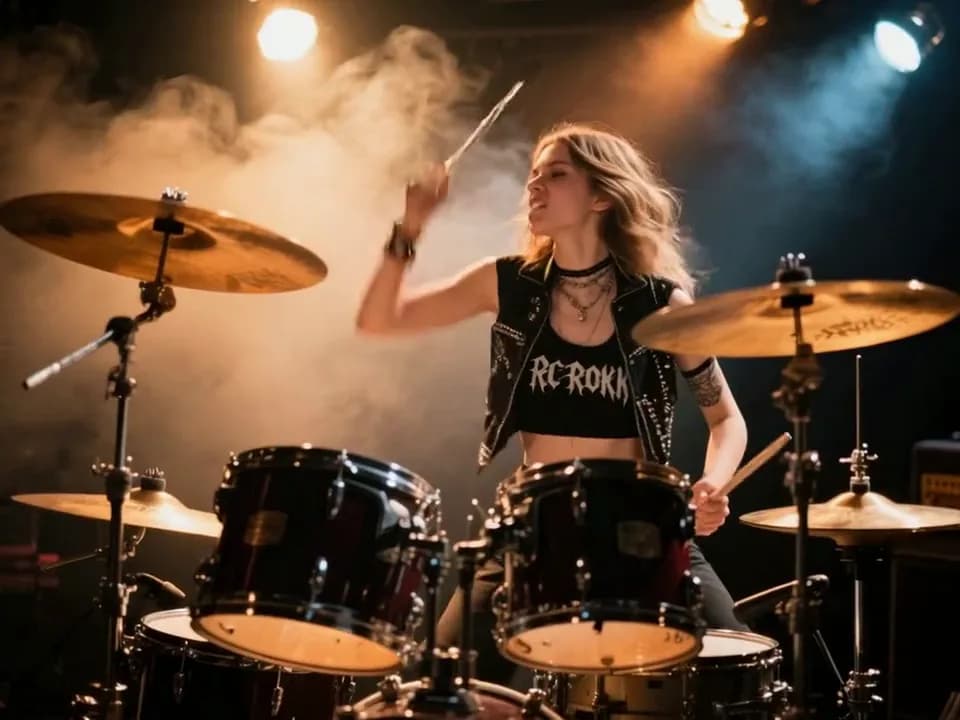
Seedance 2.5 Draft Mode

Turn text and images into vivid videos with Seedance 2.5 Draft Mode. Explore natural character movement, flowing camera work and expressive sound, try creative directions quickly, and bring your vision to life.

From 20 credits · 4 seconds · 720P · native audio

Text-to-video and image-to-video

Text to video

Start with a written description when you do not have a reference image. Describe the subject, setting, action and camera, and include dialogue, ambience or music in the same prompt. Text generation offers six aspect ratios for landscape, portrait and square formats. Select duration to see the credit quote before submitting.
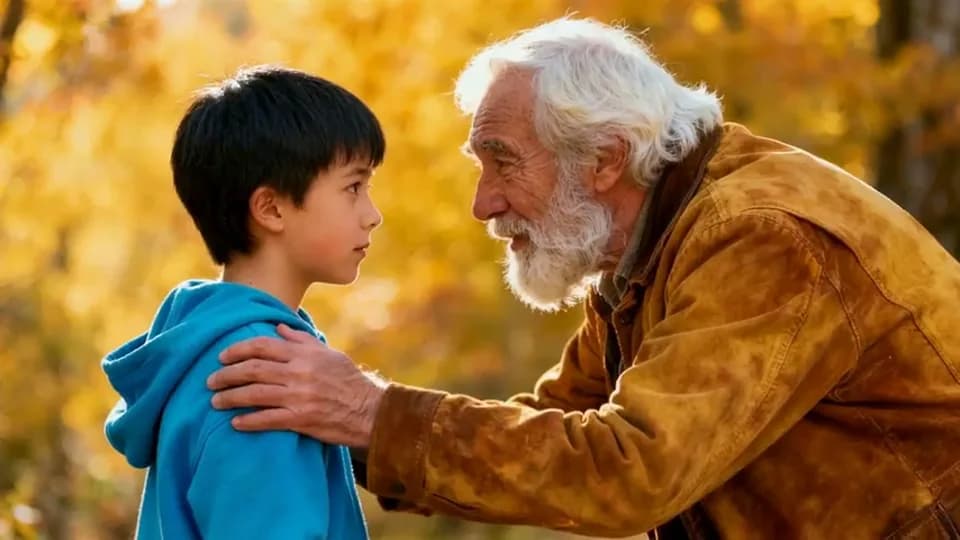
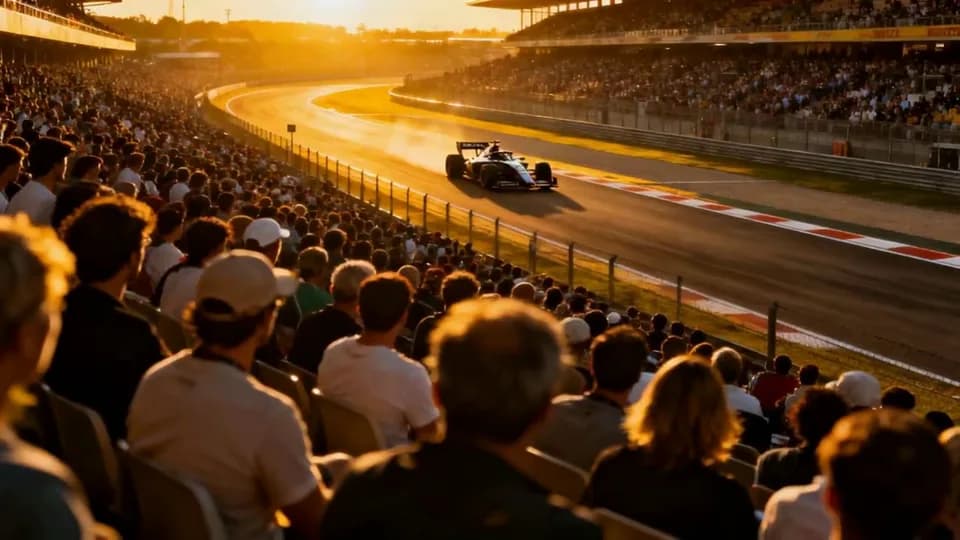
Image to video

Start from an existing character, product or scene image by uploading it as the first frame. You can also add a last frame to provide the ending image, then describe the action or changes you want between them. Upload order determines each frame’s role, and the output follows the first frame’s aspect ratio.

Core features of Seedance 2.5 Draft Mode

Build a video draft around a visual starting point, camera direction, native sound and your selected output settings.

Give your video draft picture and sound

A video idea includes more than its picture: what a character says, the sounds of a location and the role of music all contribute to the scene. Draft Mode generates native audio alongside video. Describe dialogue, ambience, sound effects and music in your prompt, then play the finished picture and sound together in the workspace. Review the result before deciding what to change in your next draft. Native audio is included in the generation quote.

Describe the shot you want to see

Composition and camera movement shape how a subject appears on screen. Describe lighting, subject position, framing and camera direction as part of your video prompt. A wide view of the setting or a closer shot following an action can both begin as written descriptions. Review how the generated draft presents your input, then revise the prompt and create another result to compare creative directions.

Provide an opening frame and an ending image

When you already have a visual idea, frame inputs offer a starting point beyond text. Upload one first frame and describe the character action, object movement or scene changes you want. Add a last frame to also provide the ending image. Existing character images, product photos and storyboard panels can serve as inputs. The images provide visual references while your prompt describes how you want the video to unfold.

Choose 4–15 seconds for an individual shot

A draft can show a brief action or a short scene combining movement and sound. Select a duration from 4 to 15 seconds in whole seconds before generating. Duration determines the quote, which appears in the workspace before you submit. Play the completed draft to review its action and audio pacing, then choose the description and duration for your next generation.

720P output for your video draft

Draft Mode produces 720P videos with 4–15-second durations, text or frame inputs and native audio. Describe the scene, action and sound, then select the duration and applicable aspect ratio for your draft. Generation costs 5 credits per second with native audio included. Review the workspace quote before submitting, then play and download the completed result for a creative review or an individual shot presentation.

Play, review and download your draft

Play completed videos in the workspace to review picture, action and sound together. Task history keeps your creation records so you can return to check progress and completed results. Download a video to include it in a creative review, storyboard presentation or editing workflow. Your next version can start from a revised prompt or frame inputs and is submitted as a new generation task.

Seedance 2.5 Draft Mode pricing

credits / second
ResolutionNative audio included
720P5 credits / second8-second example: 40 credits

720P video costs 5 credits per output second, with native audio included. Review the quote before creating.

How to create a video draft

  1. 01

    Write a prompt or upload first and last frames.

  2. 02

    Choose 4–15 seconds for your 720P video. Select an aspect ratio for text generation and review the credit quote before submitting.

  3. 03

    Generate the draft, check the result in your history and download it.

Seedance 2.5 Draft Mode use cases

1

Cinematic scenes

Plan a short scene with a clear subject, action and shot direction. Review its framing and pacing before developing the rest of a sequence.

2

News and narration

Break a summary into individual scene prompts. Preview the visuals and spoken pacing before choosing the order of the final edit.

3

Product marketing

Use a product image as the first frame, then describe the movement and setting. Explore a short demonstration or promotional scene before final production.

4

Concept previews and pitches

Create video drafts for a storyboard or creative proposal. Compare framing, camera movement and sound settings, then download the selected result for review.

Seedance 2.5 Draft Mode questions

Which durations and resolutions does Draft Mode support?+

Choose 4–15 seconds in whole seconds. Videos are generated at 720P with native audio included. The workspace shows the credit quote for your selected duration.

Can I use first and last frames?+

Yes. Upload one first frame or two ordered first and last frames. JPEG, PNG and WebP are supported, up to 10 MB each.

Does Seedance 2.5 Draft Mode generate sound?+

Yes. Describe dialogue, sound effects and music in the prompt to guide native audio.

Can I keep the camera still?+

Describe a fixed camera and static composition in the prompt. There is no separate camera switch.

How is Seedance 2.5 Draft Mode priced?+

Charged per output second at the selected resolution. Native audio uses the same rate. Review the quote before creating.

Can I upload video or audio references?+

Use text and up to two first/last-frame images. Video and audio reference uploads are unavailable in this workspace; describe sound in the prompt.

Start a video draft

Turn text and images into vivid videos with Seedance 2.5 Draft Mode. Explore natural character movement, flowing camera work and expressive sound, try creative directions quickly, and bring your vision to life.

Create draft