Nano Banana 2.1

Nano Banana 2.1 is Google’s efficient image generation and editing model. Turn detailed prompts and visual references into product images, consistent characters, posters and new creative directions, with output up to 4K.

Create with Nano Banana 2.1
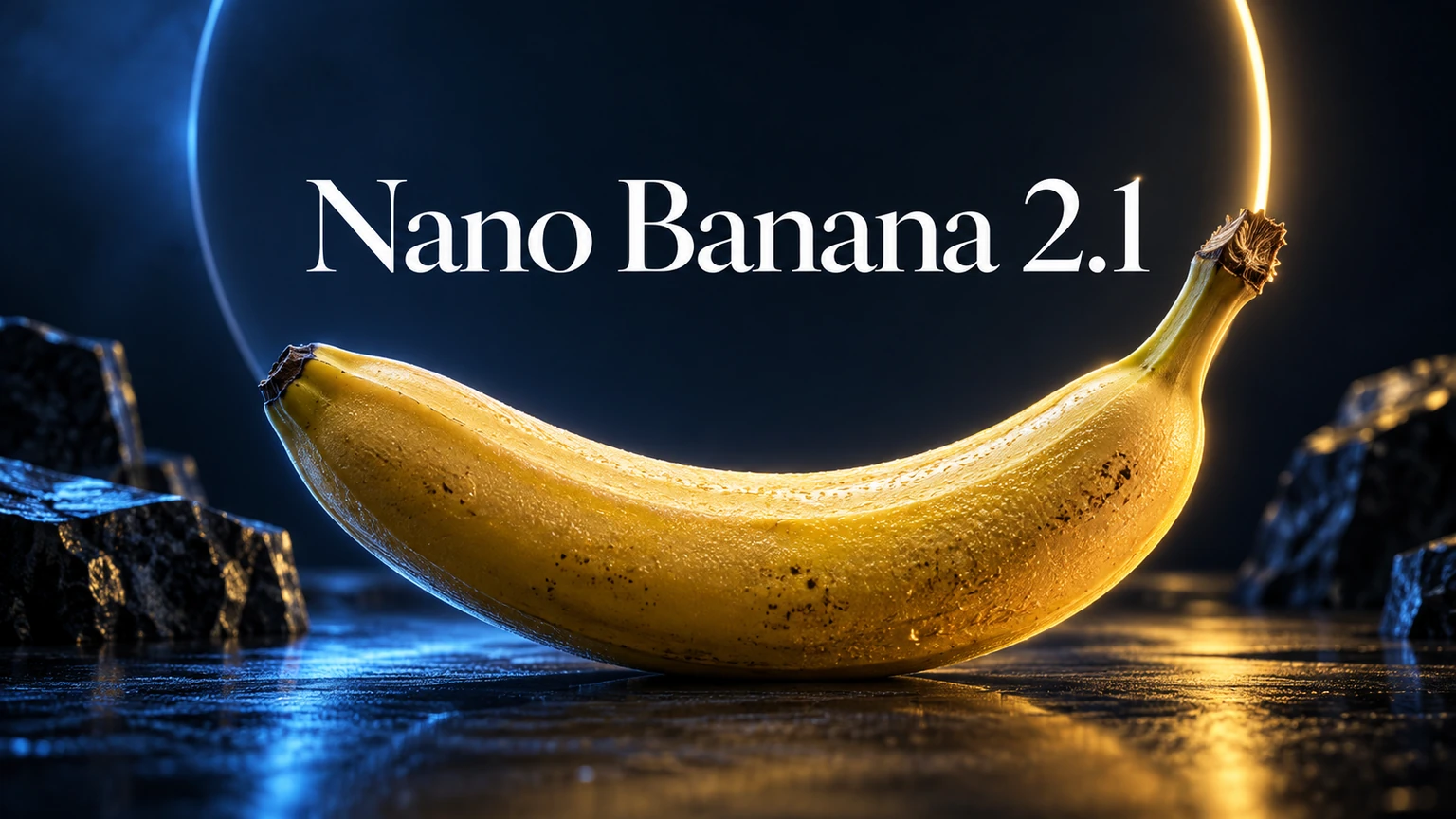
Blue and gold banana-themed creative cover for Nano Banana 2.1

Image generation and editing in one model

Efficient creation, with detail in focus

Nano Banana 2.1 balances image quality, speed and cost for everyday creative work. Start with 1K for exploration, choose 2K or 4K for detailed visuals, and review the quote for your selected settings before creating.

References that guide the next version

Combine text and up to 10 reference images to guide subjects, products and visual style. Keep a character’s identity in view, change a setting or refine a product image while describing the details to preserve.

Why choose Nano Banana 2.1?

From a clear brief to a coherent image

Create and edit in 1K, 2K or 4K

Build a scene from a text prompt or use an existing image as a starting point. Choose 1K for early ideas and 2K or 4K when your product visual, poster or finished artwork needs finer detail.

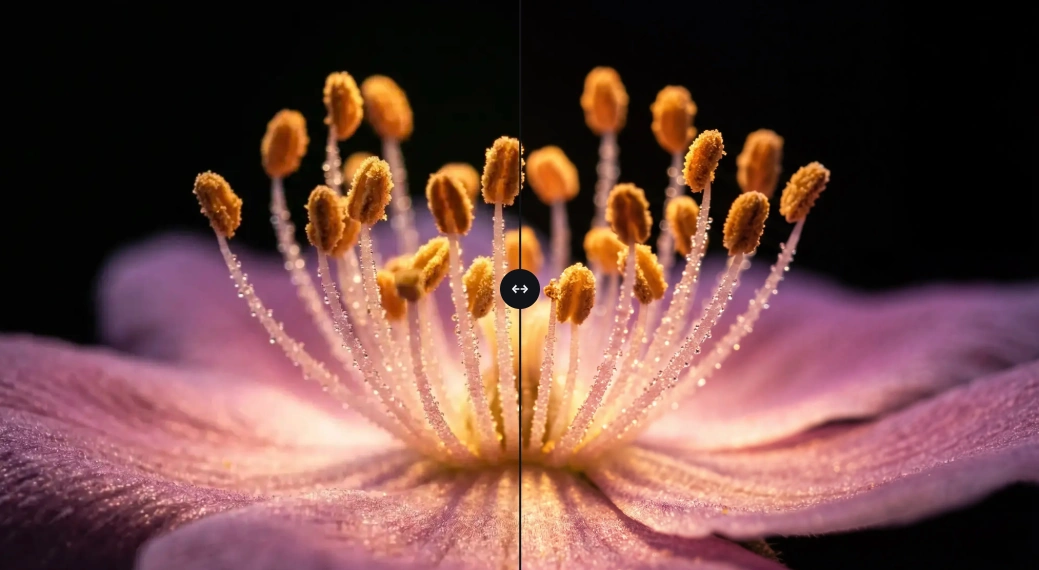
Macro flower petals and stamens shown in a detail comparison

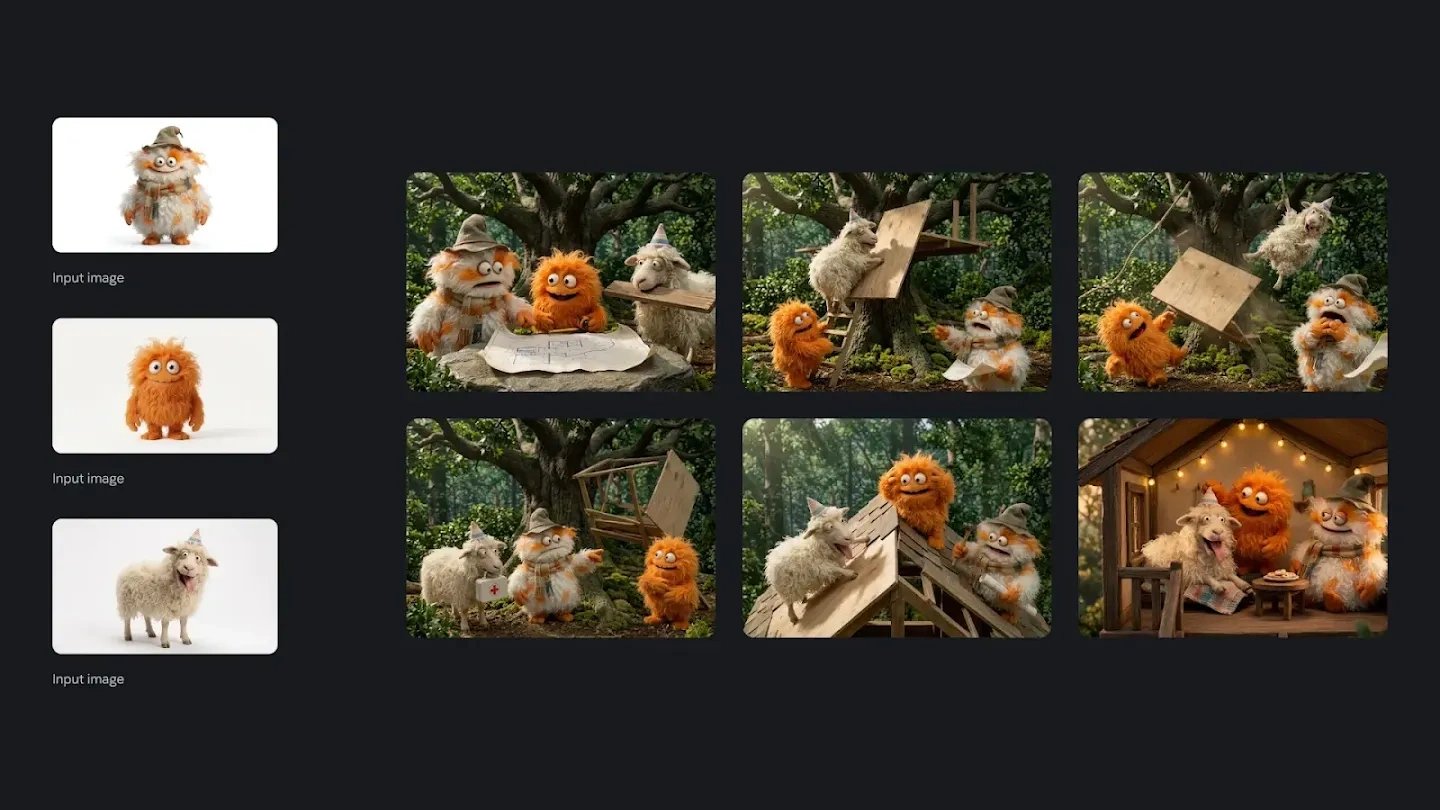
Keep a character’s defining details

Use a clear portrait as a reference and describe the features to preserve. Explore new outfits, poses and settings while guiding the character’s face, hair and overall visual identity across variations.

The same three furry characters appearing in a sequence of woodland scenes

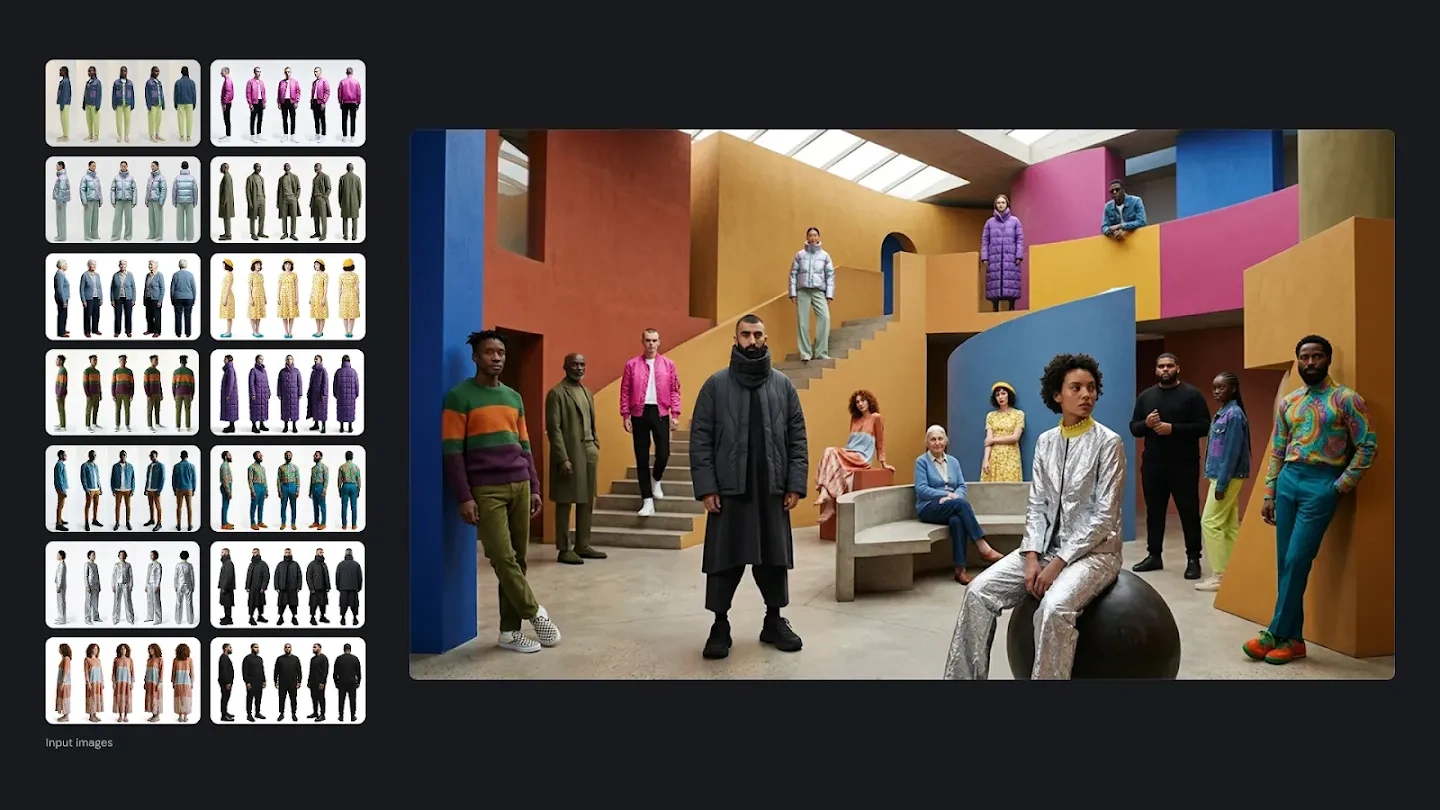
Give every reference a purpose

Bring together up to 10 images for a subject, product, setting or style. Tell the model which details to take from each image so a complex brief has a clear visual starting point.

Clothing reference boards beside a fashion scene in colorful architecture

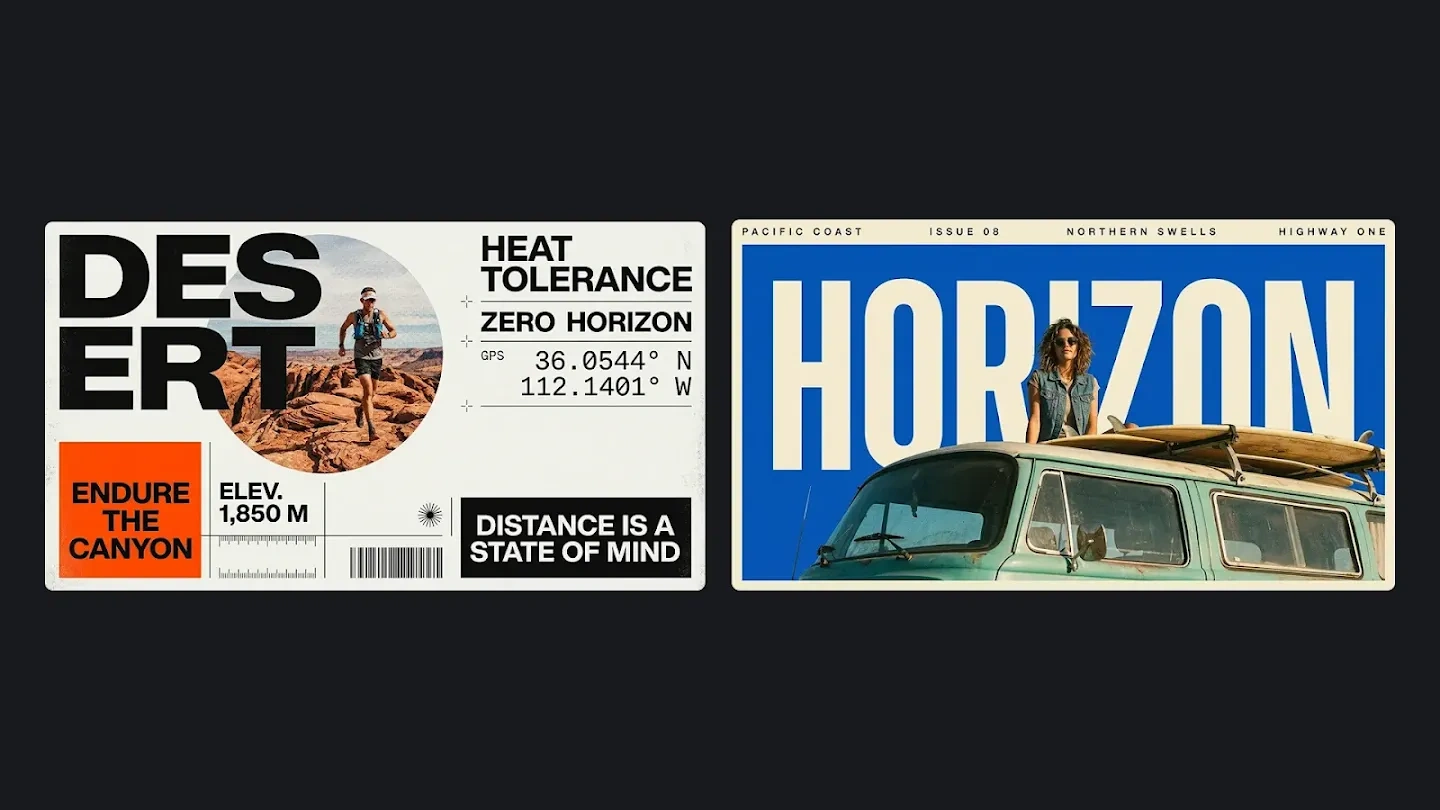
Write the words you want to see

Plan a poster, social graphic or infographic with the exact wording, hierarchy and placement in the prompt. Keep text concise and check spelling, figures and layout before sharing the result.

Magazine posters combining large lettering with vintage portraits

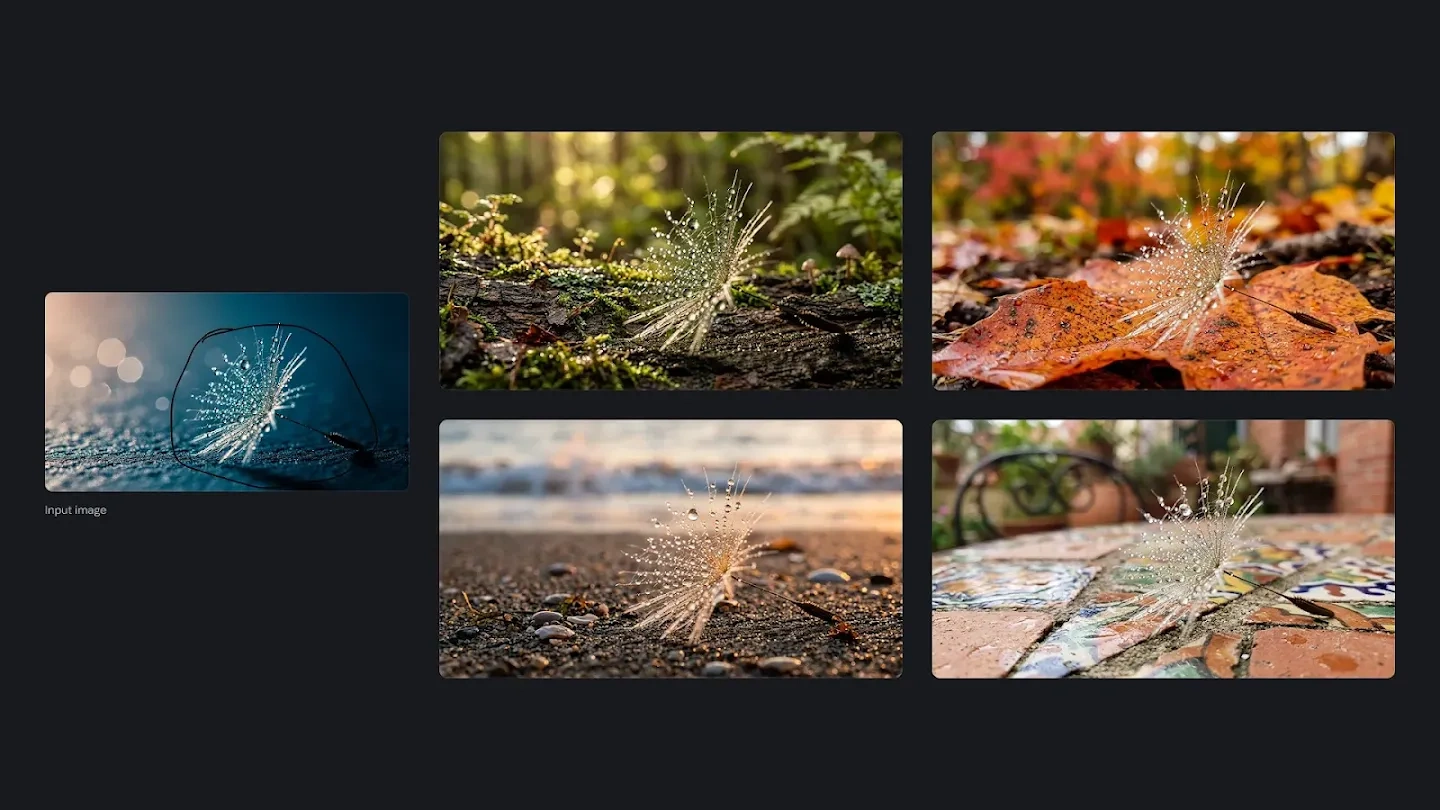
Refine a detail without rewriting the idea

Upload an image and describe the object, background or visual detail you want to change. State which composition, lighting and subject details should remain, then continue from the result for your next edit.

A glass-like insect edited into several different natural environments

Nano Banana 2.1 vs Nano Banana 2 vs Nano Banana Pro

Nano Banana 2.1 vs Nano Banana 2

Nano Banana 2.1 is Google’s recommended replacement for Nano Banana 2, with improvements in visual quality, prompt adherence, multi-turn character consistency, text rendering, and multi-reference workflows. It supports up to 14 reference images and gives developers more control over complex image generation and editing tasks. Nano Banana 2.1 is the better choice for new projects and existing workflows moving to the latest Nano Banana.

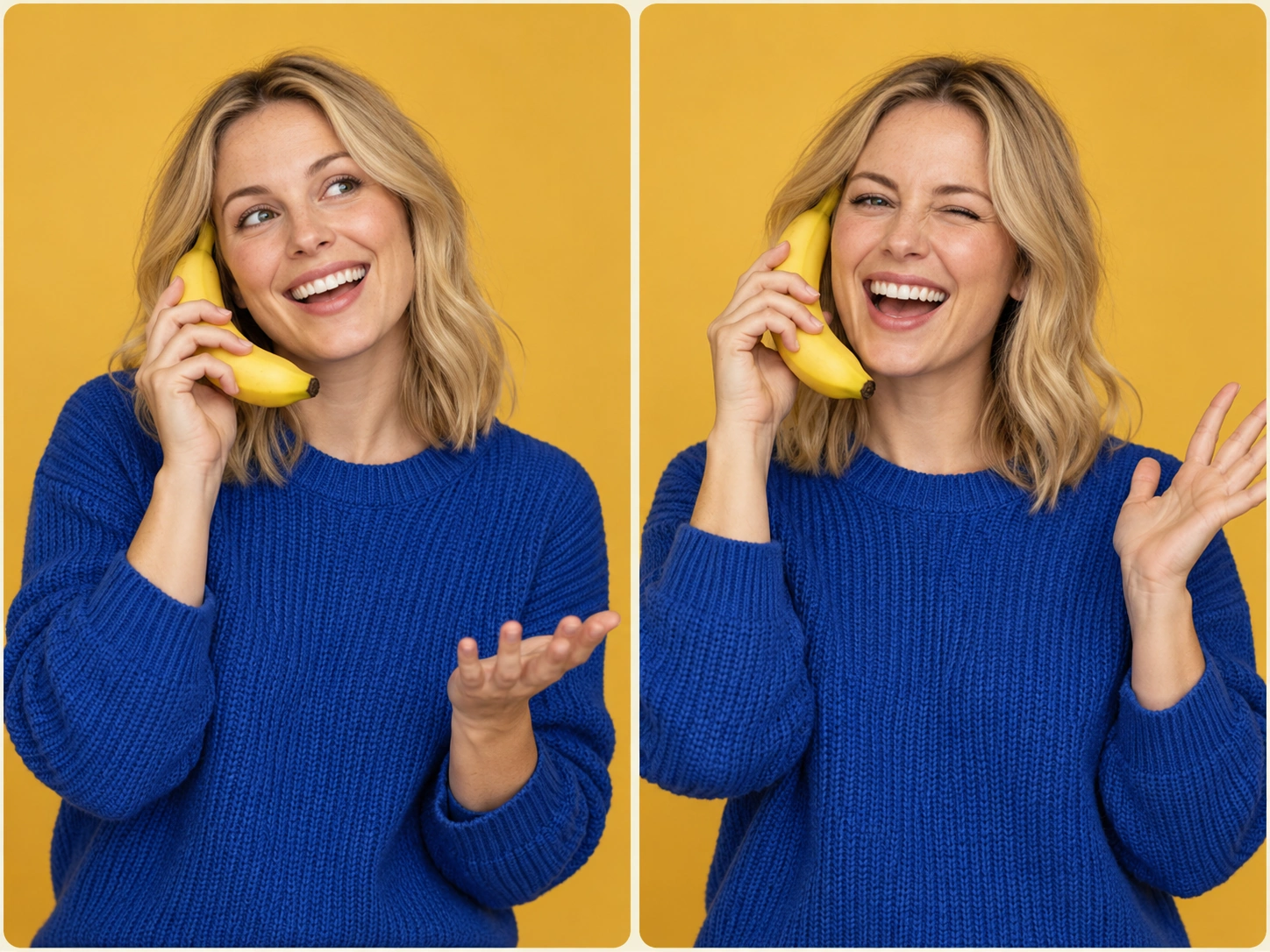
Original two-panel portrait illustration with a woman in a plain blue sweater using a banana as a telephone
Creative illustration

Nano Banana 2.1 vs Nano Banana Pro

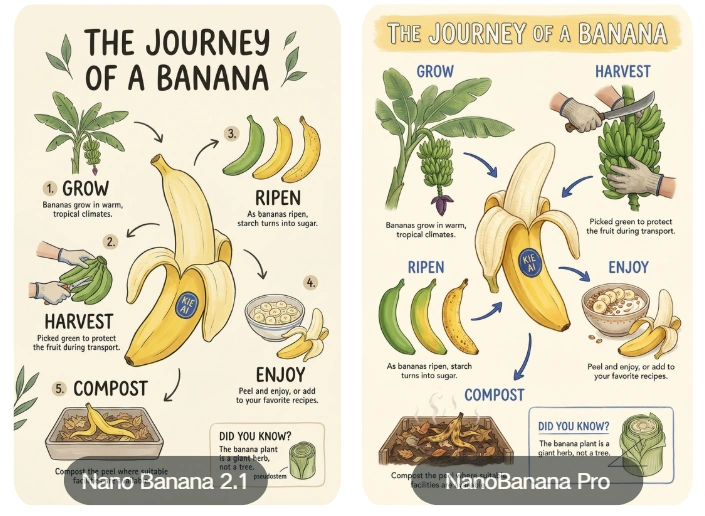
Nano Banana 2.1 focuses on high-quality image generation and editing with greater efficiency, while Nano Banana Pro is designed for workflows that prioritize premium image quality and advanced creative performance. Google positions Nano Banana 2.1 as a more efficient counterpart to Nano Banana Pro, making it a strong option for SaaS products, high-volume image generation, and applications that need to balance quality, speed, and cost. Both models can support different production needs.

Nano Banana 2.1 and Nano Banana Pro banana-journey infographic examples

Create in four steps

Bring your brief, set the output and continue from the result.

  1. 01

    Choose your starting point

    Select text to image, or add images for reference-based editing.

  2. 02

    Describe the image

    Specify the subject, composition, light and the details you want to keep.

  3. 03

    Set the output

    Choose the aspect ratio, 1K / 2K / 4K and JPG or PNG. Review the credit quote before creating.

  4. 04

    Review and continue

    Follow the task in My creations, inspect the result and download it or use it for another edit.

What Can You Build with Nano Banana 2.1

1

Build AI Image Generator Apps with Nano Banana 2.1

Add high-quality image generation to SaaS products, creative platforms, and consumer apps with Nano Banana 2.1 . Turn user prompts into detailed visuals for design, marketing, content creation, and other image-based experiences without building your own image generation infrastructure.

2

Create AI Image Editing Tools with Nano Banana 2.1

Build image editing features that let users modify existing visuals through simple instructions. Nano Banana 2.1 supports precise edits, object replacement and reference-guided transformations for AI photo editors, design tools, product editing applications and creative workflows.

3

Develop Character and Storytelling Apps with Nano Banana 2.1

Use improved character consistency to build storytelling, character design, and visual content applications. Nano Banana 2.1 helps maintain recognizable characters across different poses, scenes, outfits, and generated assets, giving developers a stronger foundation for consistent visual narratives.

4

Automate Product Images with Nano Banana 2.1

Create and edit product visuals for e-commerce platforms, marketplaces, and marketing tools. Nano Banana 2.1 can use multiple reference images to preserve important product details while generating new backgrounds, compositions, campaign visuals, and other commercial assets.

5

Generate Ads and Social Content with Nano Banana 2.1 AI Image Generator

Build tools for creating ads, posters, social posts, banners, and other marketing visuals with Nano Banana 2.1 AI Image Generator. Improved text rendering and layout accuracy help developers generate image assets where both visual quality and readable text matter.

6

Scale Automated Image Generation with Nano Banana 2.1

Integrate Nano Banana 2.1 into image production processes and use automated workflows to continuously generate and edit visual assets. Produce creative content in volume for SaaS products, marketing systems, content platforms and other applications.

Nano Banana 2.1 questions

What is Nano Banana 2.1?

Nano Banana 2.1 is Google's updated image generation and editing model, designed to combine high-quality results with efficient creation. In Seedance, you can create an image from text or use reference images to guide an edit, with output up to 4K.

What improves with Nano Banana 2.1?

The update focuses on image detail, following prompts, keeping characters recognizable across edits, and rendering text and structured layouts. Multiple references can help guide a product, character, composition, or visual style; describe what each reference contributes and which details should stay consistent.

How do I start using Nano Banana 2.1 in Seedance?

Open the image creation workspace and confirm Nano Banana 2.1 is selected. Write a prompt or add reference images, choose the aspect ratio, resolution, and output format, then review the credit quote before submitting. Open My Creations to check the result, download it, or use it as a reference for your next edit.

Can I try Nano Banana 2.1 with free credits?

Generation requires a signed-in account with enough credits. If welcome or promotional credits have already been added to your account, you can use them for Nano Banana 2.1; check the quote shown before each task. If your balance is insufficient, visit the pricing page to purchase credits.

Which resolutions, formats, and input limits are supported?

Seedance offers 1K, 2K, and 4K output, JPG or PNG downloads, and 15 aspect-ratio options including Auto. Reference uploads accept JPG, PNG, and WebP, with a maximum of 30 MB per image. A prompt can contain up to 20,000 characters; your selected settings determine the quote shown before generation.

How many reference images can I use?

The model introduction describes support for up to 14 references, consistency for up to four characters, and reproduction of up to ten objects. Seedance currently accepts up to ten reference images in one task. Within that limit, you can combine character, product, scene, and style references and explain their roles in the prompt.

How does Nano Banana 2.1 compare with Nano Banana 2?

Nano Banana 2.1 improves image quality, prompt following, character consistency, text rendering, and reference-guided creation over Nano Banana 2. Google recommends it as the upgraded replacement. For a new image or an existing workflow, start by testing your usual prompts and references with 2.1.

How does Nano Banana 2.1 compare with Nano Banana Pro?

Nano Banana 2.1 focuses on efficient, high-quality generation and editing, making it a useful choice when balancing quality, speed, and credit cost. Nano Banana Pro is aimed at work that prioritizes the highest image quality and more advanced creative demands. Compare the results and the quote for your chosen settings to decide which fits your project.

Why use Nano Banana 2.1 in the Seedance workspace?

Seedance brings model selection, reference uploads, credit quotes, and generation history into one workspace. You can keep a result in My Creations, download it, and reuse it as a reference while developing product images, character variations, or a series of marketing visuals.

Can I paint a mask or change the thinking level in Seedance?

The current Seedance interface supports editing with reference images and text, and has no separate mask-painting tool or thinking-level selector. Upload the image and describe the exact change, then state what should be preserved, such as the face, product shape, background, or composition. For another revision, use the latest result as a new reference.

Can I generate a batch of images at once?

Nano Banana 2.1 currently returns one image per task in Seedance, with no native batch control. To make variations or a series, submit separate tasks and review the quote for each one. Track and compare their results in My Creations, then reuse the selected image for the next iteration.
Bring your next image to life

Nano Banana 2.1 is Google’s efficient image generation and editing model. Turn detailed prompts and visual references into product images, consistent characters, posters and new creative directions, with output up to 4K.

Create with Nano Banana 2.1
Continue with video creation