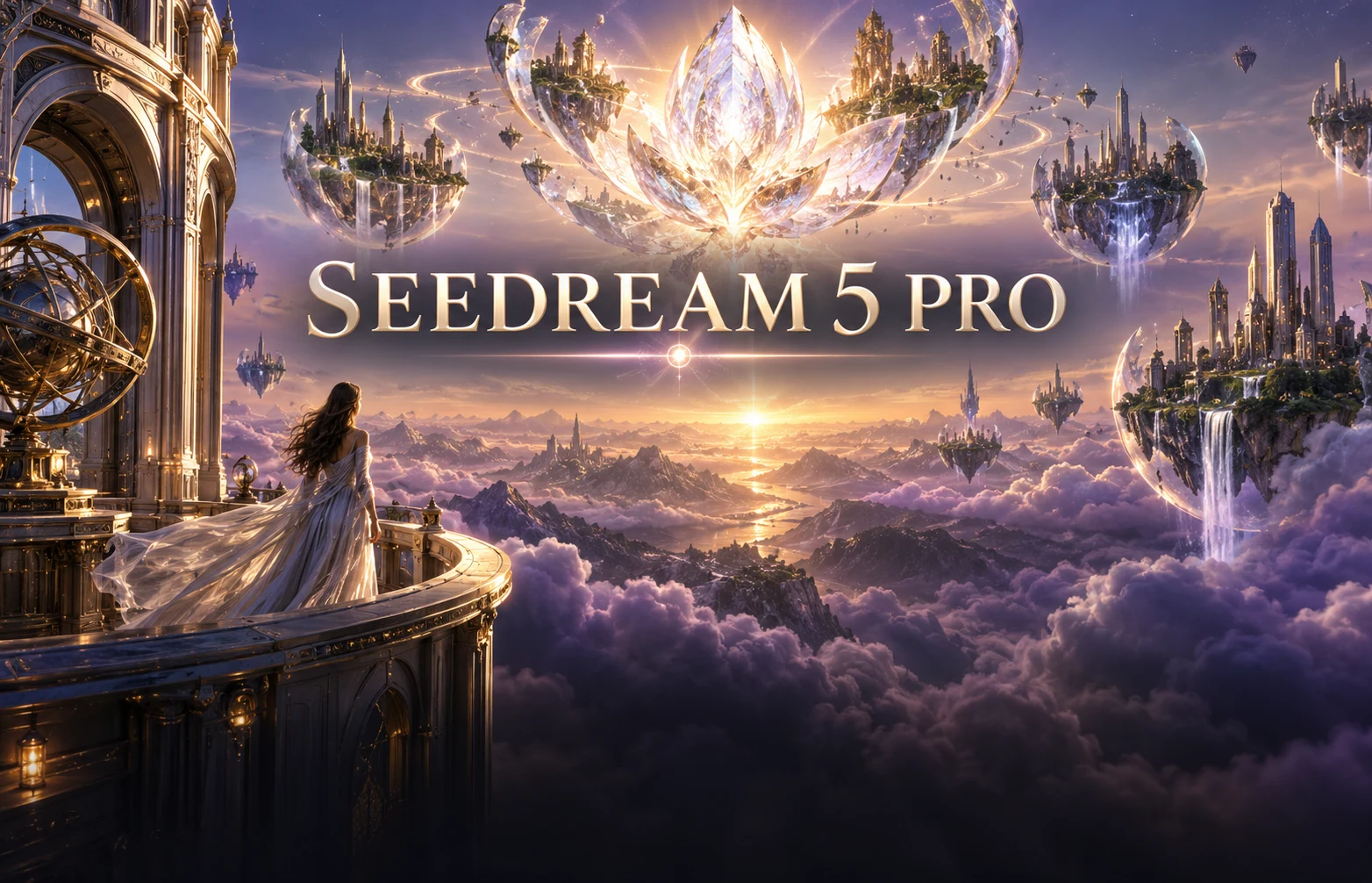
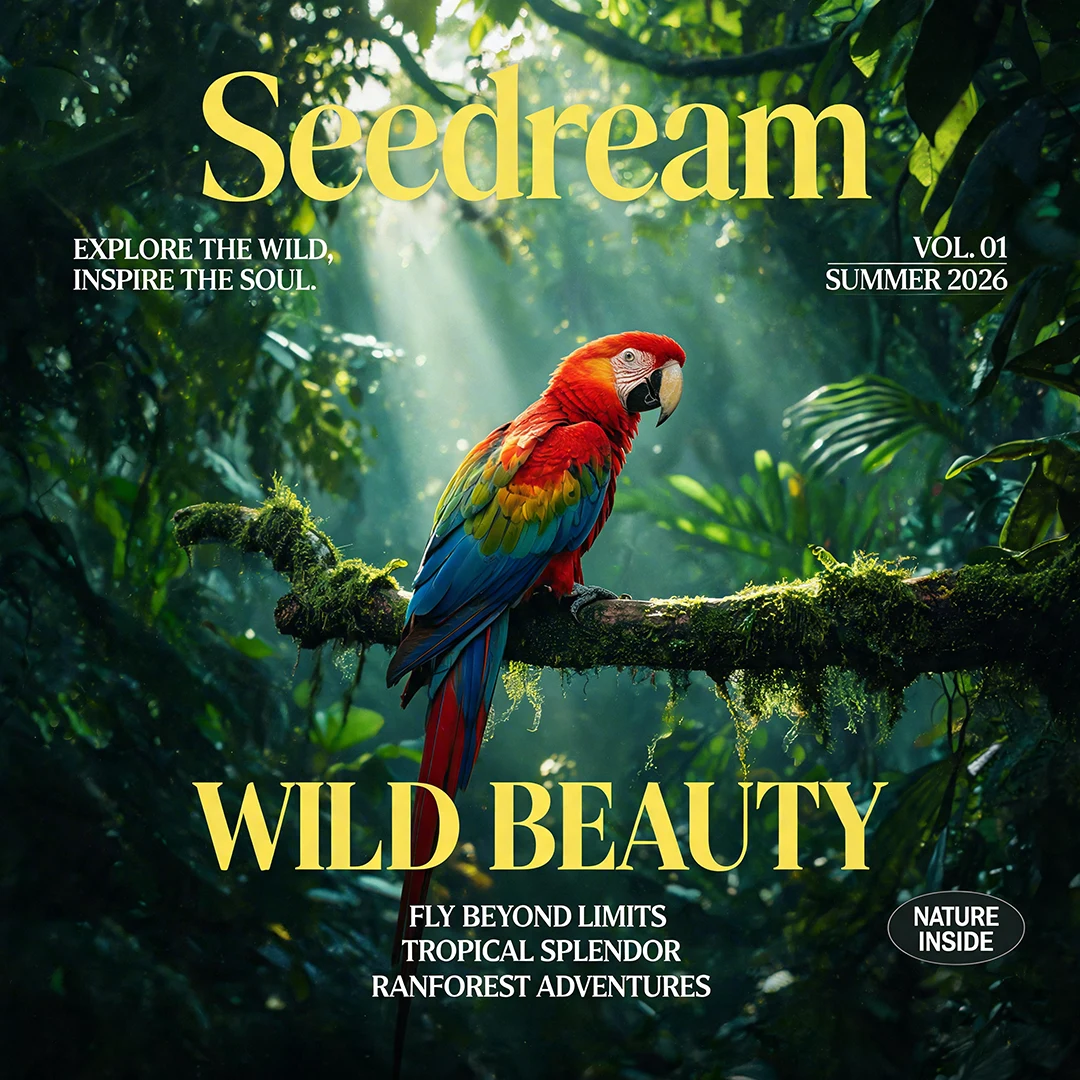
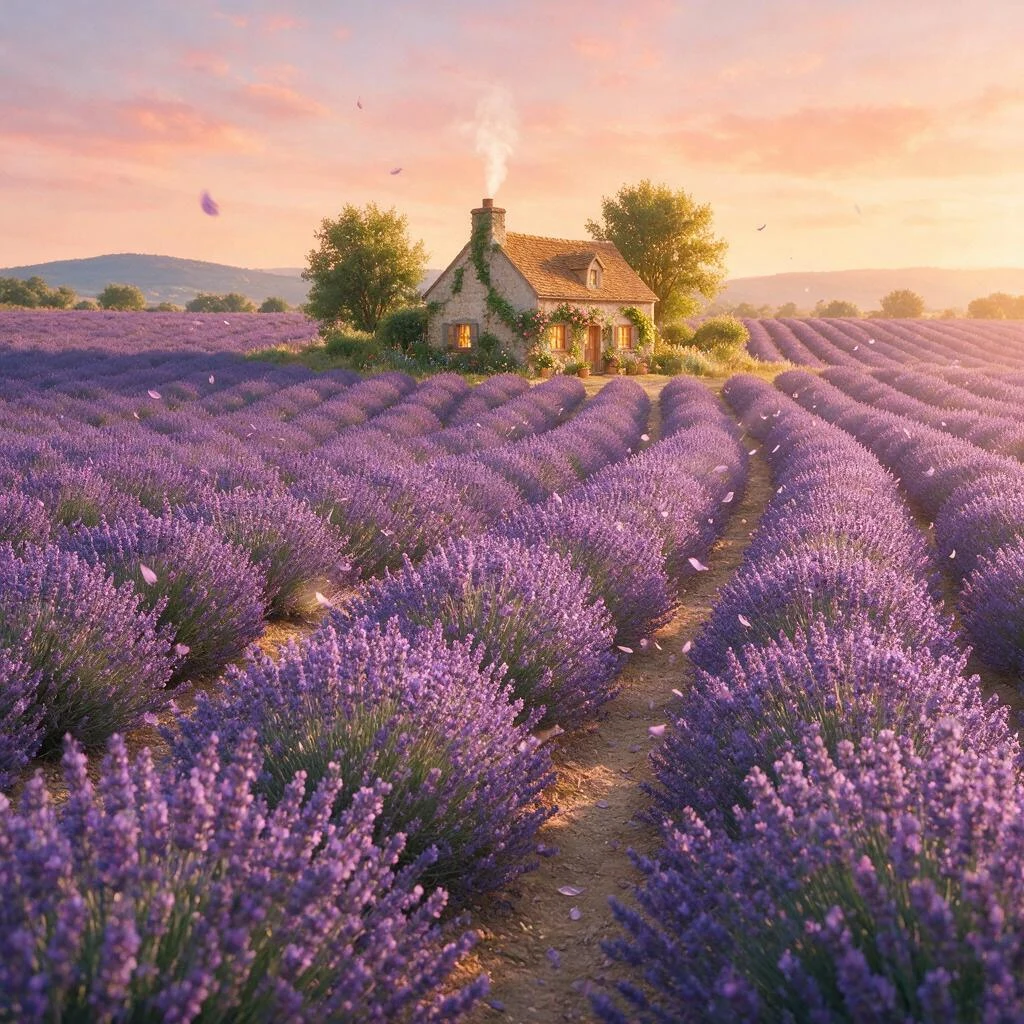
Seedream 5 Pro is an image creation and editing model for product visuals, detailed scenes, posters and information-rich designs. Begin with a written brief, or combine reference images to describe an existing subject and a new direction. In the Seedance image workspace, choose 1K or 2K output, define the format and check the quote before generating. Build the composition first, then refine the details that matter to the final use.
A product image needs more than an object and a style word. Specify the material, light direction, background, product position and space for copy. Text generation is useful for exploring a new composition; reference editing helps continue a direction that already has a subject, brand asset or layout.
Refine a reference with a clear boundary
Separate what must stay from what should change. Keep the bottle shape and label position while changing the background, or preserve a person's clothing and camera angle while adjusting the setting. Give multiple references distinct roles so subject, environment and style do not compete with each other.
Seedream 5 Pro · Creative controls and practical techniques
Creative controls and practical techniques
Product materials and photographic lighting
Describe glass, metal, ceramics or fabric through a specific lighting setup. State the key light direction, reflection strength and shadow softness instead of relying on a broad request for a premium look. Review the product outline, packaging text and important colors before refining the image.
Focused edits and background revisions
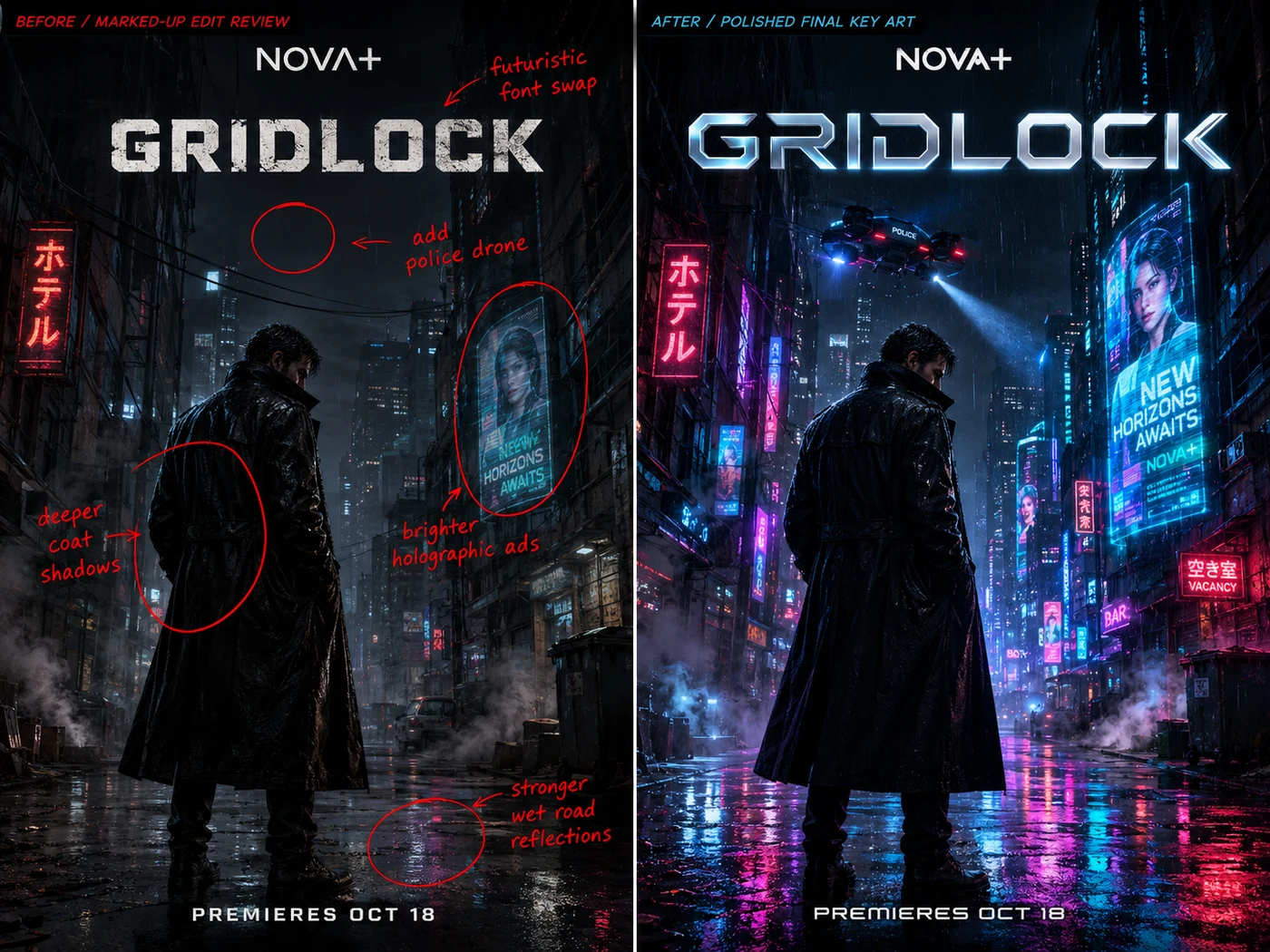
One change at a time makes versions easier to compare. Adjust a background or replace an object before revising color and typography. Explain which composition, subject details and lighting should remain, then inspect those areas in the completed image.
Organized multi-image references
References can supply a product, character, setting or style. Remove duplicate and conflicting images, then explain each image's purpose. The current reference-editing workflow accepts up to 10 images. Clear roles are more useful than adding near-identical material simply to increase the count.
Posters and multilingual visual layouts
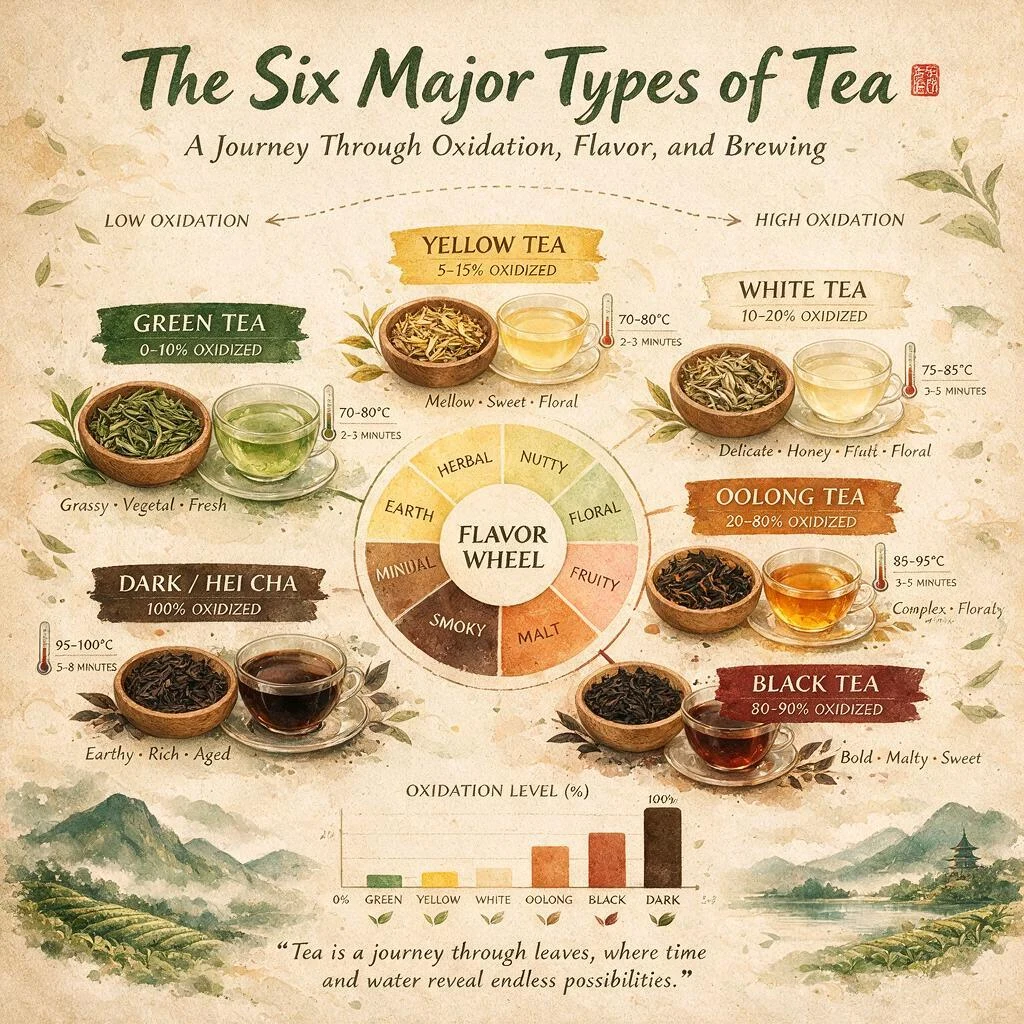
Provide exact wording and distinguish the headline, labels and supporting copy. Group dense information into a readable hierarchy, leaving space for the visual subject. Review spelling, numbers, punctuation and alignment after generation, and finish any essential layout corrections before publishing.
Choosing 1K or 2K output
Use 1K while exploring composition, then consider 2K when the work needs closer inspection of text or materials. These are the current Basic and High output tiers for this model in the workspace. Aspect ratio sets the format; the output tier and task settings determine the quote.
Prepare a clear starting frame for video
An image intended for video needs a recognizable subject, clean boundaries and room for motion. Prepare the character, product or scene, then continue in the video workspace. Avoid placing important details against the frame edge or filling all the space an action will need.
Choose a workflow for your project
Match the source material and output settings to the result you want to make.
Workflow
Seedream 5 Pro
When to use it
Start with text
Define the subject, scene, composition and visual style.
Explore a new design when no suitable source image exists.
Work with references
Use up to 10 references and explain the role of each image.
Carry product or character cues into a different setting.
Output and delivery
Choose 1K or 2K and review the quote for the selected settings.
Approve the composition and wording before checking final detail.
From brief to finished result
From brief to finished result
01
Select Seedream 5 Pro and choose a text-led creation or reference-image edit.
02
Prepare clear references and describe the subject, layout, lighting and details to preserve.
03
Set the aspect ratio and 1K/2K output, review the credit quote, then create.
04
Inspect the result in My creations, check wording and edges, then revise one condition at a time.
Practical uses for Seedream 5 Pro
1
Product and ecommerce imagery
Start with the real product's appearance, use context and visual priority. Explore studio, lifestyle and campaign compositions, then review product information in each version. Different formats can serve a detail page, banner or social post.
2
Posters and information graphics
Organize the topic, headline and relationships before choosing decorative elements. Explore event posters, covers, process diagrams and concept illustrations while keeping text and factual review part of the final design workflow.
3
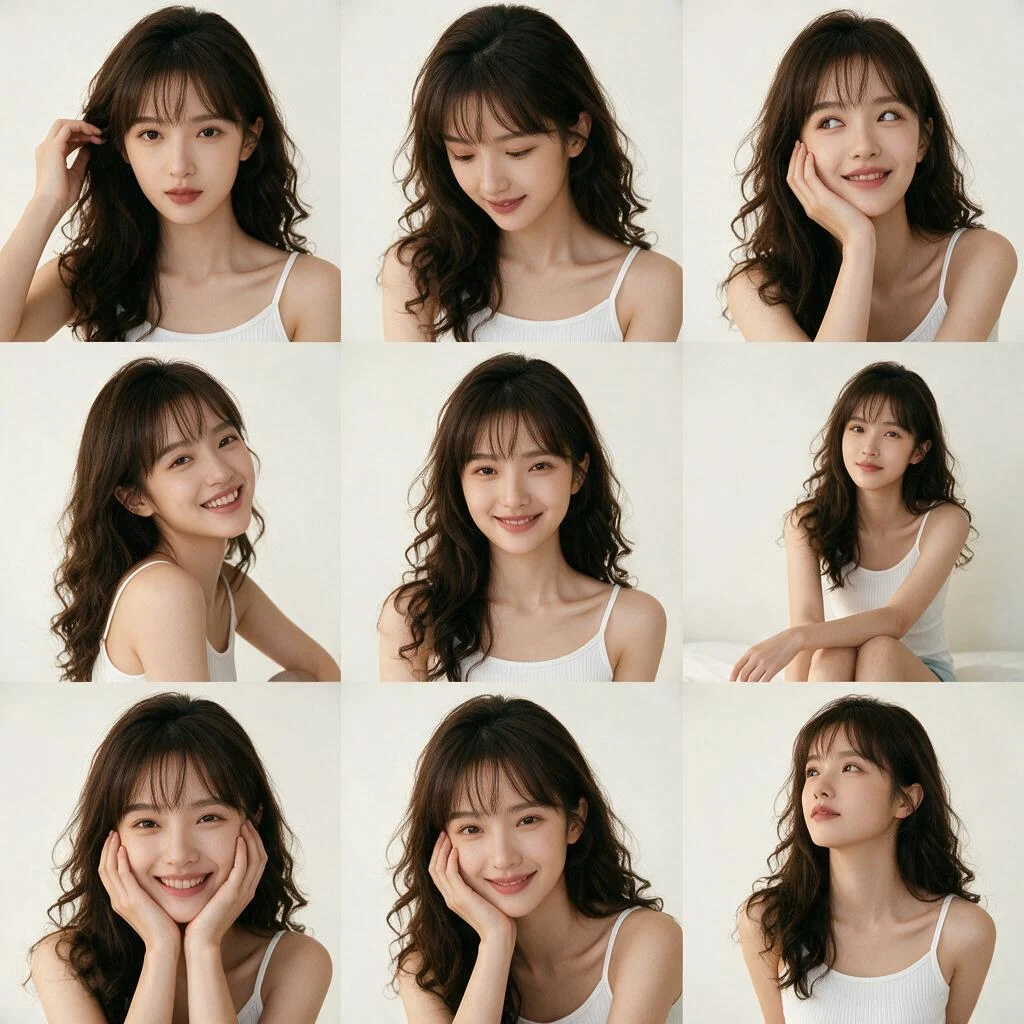
Characters, architecture and story scenes
Describe clothing, expression, building materials, scale, time and atmosphere. Use references to continue a direction, changing one major condition at a time. Compare how the resulting compositions support the story or space you are planning.
Prompt ideas to adapt
Start from these examples, then replace the subject and requirements with your own. Prompts guide the result; they do not guarantee exact details.
Product photograph
An amber glass perfume bottle on pale gray stone, soft window light from the left, keep the bottle proportions and label placement, leave clean headline space at the upper right, landscape campaign composition.
Poster hierarchy
An exhibition poster with only the words SPRING OBJECTS and DESIGN MEETS DAILY LIFE, clear headline hierarchy, natural paper texture and soft green plant shapes, generous negative space.
Focused reference edit
Keep the cup shape, handle placement, camera angle and subject size from the reference. Change only the background to a bright wooden kitchen with soft light from behind the left side.
Seedream 5 Pro Frequently asked questions
Can Seedream 5 Pro generate and edit images?+
Yes. Text generation starts from a written brief; reference editing starts from existing images and instructions about the changes and details to preserve. Both are available through the selected model in the image workspace.
Which output tiers are available here?+
The current workspace provides 1K and 2K, corresponding to Basic and High. Choose the available aspect ratio and review the quote for the selected tier before creating.
How many reference images can I add?+
The current editing workflow accepts up to 10. Give each image a clear subject, environment or style role rather than uploading several conflicting versions of the same visual.
Can I request a focused edit?+
Describe the object, position or detail to change and the surrounding composition to preserve. The site uses prompts and references to guide editing; plan the instruction around the controls actually available in the workspace.
Can it create posters with text?+
You can explore text-based designs by supplying exact copy, hierarchy and placement. Inspect spelling, numbers and layout in the result, then revise or finish the design in your normal editing workflow.
How should I choose between Pro and Flash?+
Consider Pro for detailed visual planning and focused reference edits. Flash offers a separate workflow for fast exploration and layer decomposition on this site. Compare the available modes, results and quotes for your task.
Where is the final price shown?+
The workspace displays the current quote before submission. Output tier, editing mode and task settings can affect the cost; the model introduction does not replace that quote.
Can I continue from a finished image?+
Completed outputs are saved in My Creations for preview and download. Create again restores editing inputs so you can review the model, prompt and references before submitting a new task.
Create with Seedream 5 Pro
Seedream 5 Pro is an image creation and editing model for product visuals, detailed scenes, posters and information-rich designs. Begin with a written brief, or combine reference images to describe an existing subject and a new direction. In the Seedance image workspace, choose 1K or 2K output, define the format and check the quote before generating. Build the composition first, then refine the details that matter to the final use.